Understanding Crashes
In the vibrant world of gaming, few experiences are as frustrating as an app crash. An app crash occurs when a software application unexpectedly shuts down, interrupting the user’s engagement, often resulting in lost progress and a negative gaming experience. In Malaysia’s growing gaming community, where players immerse themselves in everything from mobile games to high-performance PC titles, ensuring stability is crucial for maintaining user satisfaction.
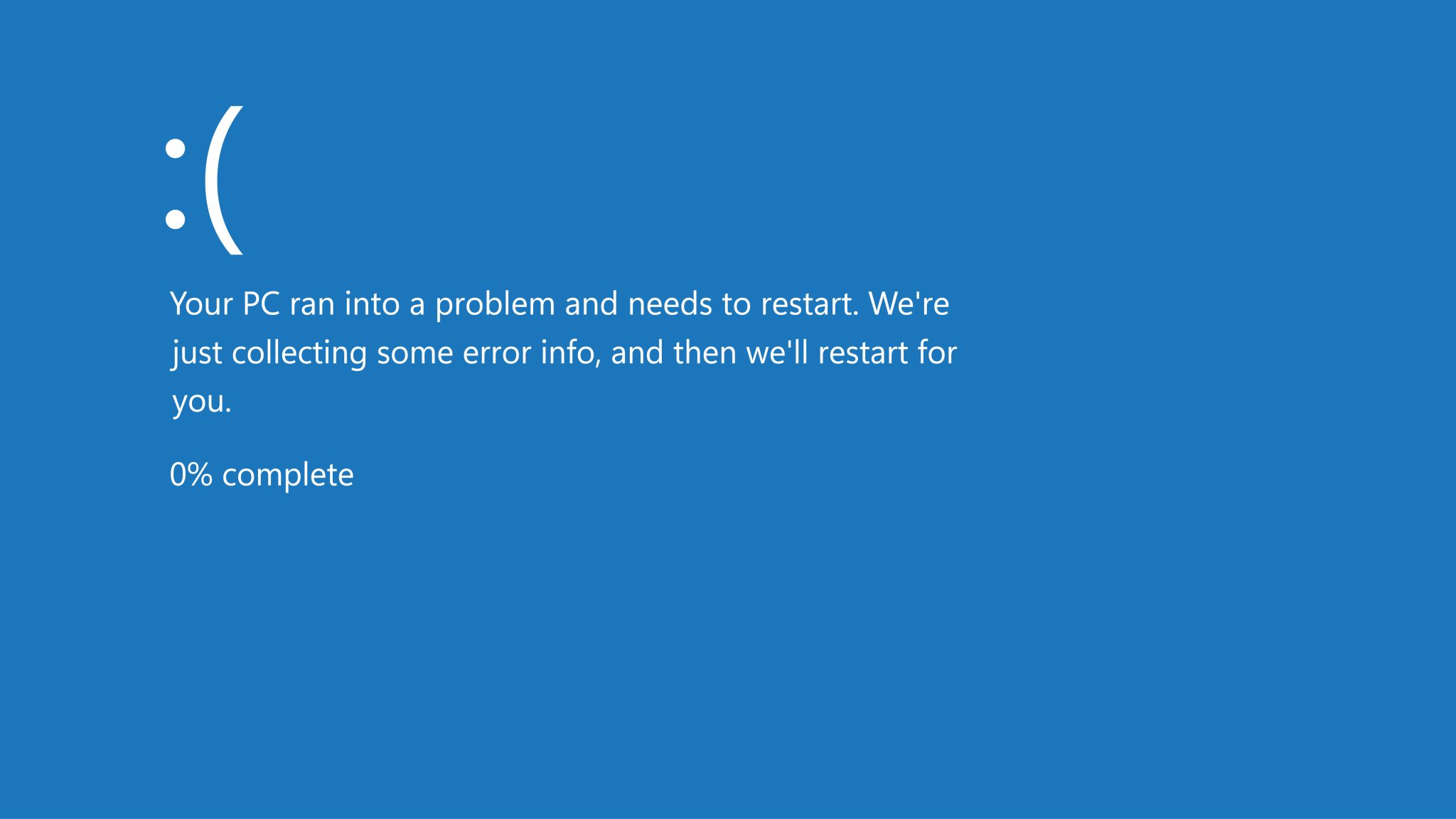
App crashes can have a significant impact not only on gameplay but also on the overall perception of a game’s quality. Frequent crashes can lead players to abandon a game altogether, which is particularly concerning in Malaysia's competitive gaming landscape where player loyalty is paramount.
Common Causes
Understanding the root causes of app crashes is essential for gamers looking to optimize their settings. Several typical reasons behind app crashes include:
- System Overload: Running resource-intensive applications simultaneously can strain your device's hardware, leading to crashes.
- Software Bugs: Developers often release updates, but these can introduce new bugs that affect app stability.
- Insufficient Storage: Low storage space can cause apps to malfunction, as they require free space for temporary files and updates.
- Incompatibility: Some games may not be optimized for certain devices or operating systems, leading to instability.

By identifying these issues, gamers can take proactive steps to ensure a smoother experience. User feedback is particularly valuable in this context, as it helps developers diagnose problems that might not be apparent during testing.
Optimizing Settings
Now that we’ve covered what app crashes are and their common causes, let’s explore effective settings across different operating systems and devices that can help reduce crashes. By optimizing your settings, you can potentially reduce crashes by up to 30%.
For Apple Devices
iOS devices are known for their stability, but that doesn’t mean they’re immune to crashes. Here are some optimization tips specifically for iOS users:
- Update iOS: Ensure your device is running the latest version of iOS, as updates often include stability improvements.
- Background App Refresh: Disable background app refresh for non-essential apps to free up memory.
- Clear Cache: Regularly clear cache from apps that you use frequently to prevent storage overload.
- Limit Graphics Settings: For resource-intensive games, consider lowering the graphics settings to enhance performance.
For Microsoft Devices
Windows users, particularly gamers using PCs or Xbox, can take several measures to optimize their settings:
- Update Drivers: Ensure that your graphics card and other essential drivers are up to date to benefit from performance enhancements and bug fixes.
- Close Unnecessary Programs: Before gaming, close any programs running in the background that might consume system resources.
- Adjust Graphics Settings: Lowering the in-game graphics settings can significantly improve stability, especially on older hardware.
- Check System Requirements: Always ensure your system meets the recommended requirements for the games you play.
For Google Devices
For Android gamers, optimizing settings is equally important. Here are some tips tailored for Android users:
- Clear App Cache: Regularly clear the cache of your gaming apps to ensure they run smoothly.
- Limit Background Processes: Use the developer options to limit background processes which can help free up RAM.
- Uninstall Unused Apps: Free up storage space by uninstalling apps that you no longer use, as this can help improve app performance.
- Update Apps: Keep your games updated to benefit from optimizations and stability improvements.
Best Practices
Beyond specific settings, there are general best practices that every gamer should follow to enhance app performance and minimize the risk of crashes:
- Regular Updates: Always ensure your apps and operating system are up to date. Regular updates can enhance app stability significantly.
- Feedback Loop: Engage with the gaming community and provide feedback to developers regarding crashes. User feedback is crucial for identifying crash causes.
- Monitor Device Health: Regularly check your device’s health and performance metrics to catch issues early.
- Backup Data: Always backup your game data. In case of a crash, you can restore your progress without losing valuable achievements.
FAQ
What settings can prevent app crashes?
Optimizing settings such as clearing cache, updating applications, and adjusting graphics settings can significantly reduce the likelihood of app crashes. It's also advisable to limit background processes and ensure your device has sufficient storage space.
How do I know if my app settings are causing crashes?
If you notice frequent crashes after specific changes in settings, or if performance issues arise after updates, it’s a strong indication that settings may be the culprit. Monitoring app performance and user feedback can provide insights into the causes of crashes.
By understanding the intricacies of app crashes and how to optimize settings effectively, gamers in Malaysia can enjoy a more stable and engaging gaming experience. With the right adjustments and best practices, players can focus on what truly matters – enjoying their favorite games without interruption.