Understanding Game Lag
For many gamers in Malaysia, encountering lag while playing new Android games can be incredibly frustrating. Game lag refers to the delay between a player's action and the game's response. This delay can lead to missed opportunities in competitive situations, disrupted gameplay, and an overall diminished gaming experience. In 2026, as mobile gaming continues to evolve, the issue of lag remains particularly relevant as new games often demand more resources from devices, making optimization critical.

Over 60% of gamers experience lag issues in mobile games, which can greatly affect their enjoyment and performance. With new games pushing the limits of what mobile devices can handle, players need effective solutions to combat lag and enhance their gaming experience.
Common Causes of Lag
Understanding the root causes of lag is essential for gamers. Several factors can contribute to this frustrating issue:
- Hardware Limitations: Many budget-friendly Android devices may struggle with the requirements of new games. Devices from manufacturers like Samsung and OnePlus might handle games better, but even they can falter under heavy load if not optimized.
- Poor Internet Connectivity: For online games, a stable and fast internet connection is crucial. Slow Wi-Fi or mobile data can introduce significant lag, especially during multiplayer gaming sessions.
- Software Issues: Outdated operating systems or game versions can lead to performance issues. Regular updates from Google and game developers often include optimizations that can alleviate lag.
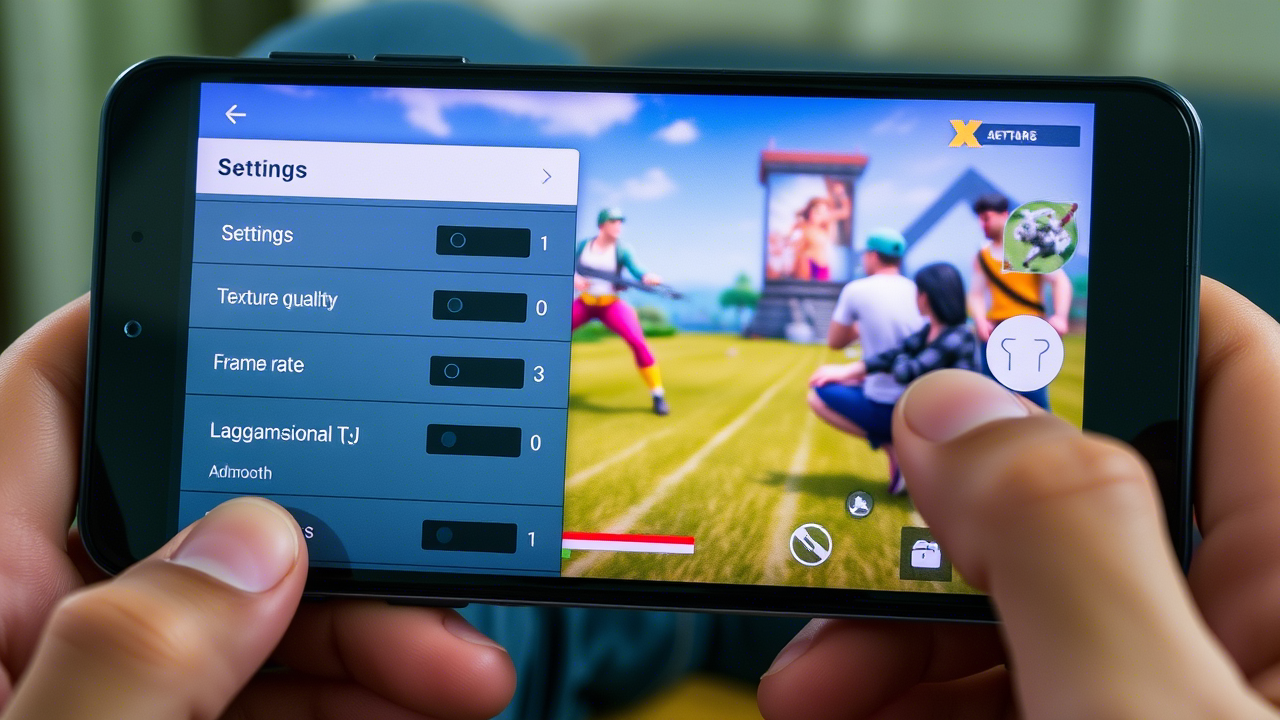
By recognizing these causes, players can take proactive steps to mitigate lag and enhance their gameplay experience.
Solutions to Reduce Lag
Fortunately, there are several actionable solutions that players can implement to reduce lag in new Android games:
- Adjust Game Settings: Lowering the graphics settings in-game can significantly improve performance. Many games offer options to balance graphics quality and performance, allowing smoother gameplay.
- Close Background Apps: Running multiple applications simultaneously can drain your device’s resources. Close any unnecessary apps before launching your game to free up memory and processing power.
- Enable 'Game Mode': Many Android devices now come with a 'Game Mode' feature that prioritizes gaming performance. This can help reduce lag by optimizing CPU and GPU resources for the game.

These simple adjustments can lead to a noticeable improvement in your gaming experience, allowing you to focus on what truly matters: enjoying the game.
Recommended Apps and Tools
In addition to manual adjustments, several apps and tools can help optimize gaming performance on Android devices:
- Game Booster: This app allows players to close background apps, free up RAM, and optimize device settings specifically for gaming.
- GFX Tool: Particularly useful for graphics-intensive games, this tool lets players customize graphics settings beyond standard options, helping to reduce lag.
- Network Speed Test Apps: Utilizing apps like Speedtest can help players monitor their internet connection, ensuring they are getting the best speeds possible for online gaming.
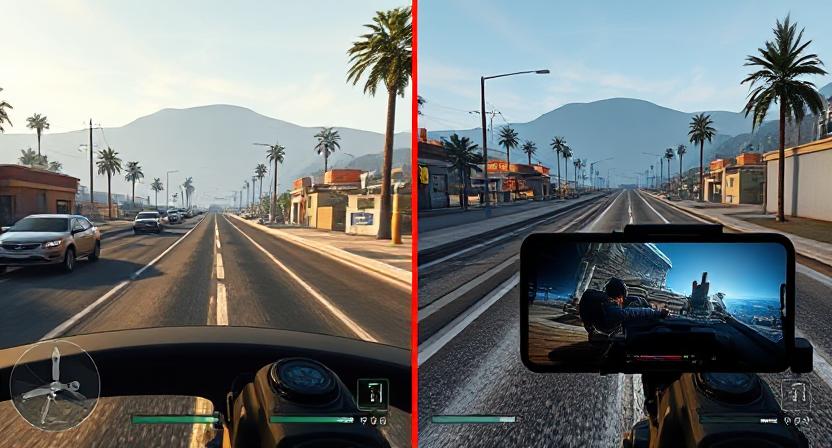
Using these apps can lead to a more enjoyable gaming experience by targeting specific areas that might be causing lag.
Device Optimization Tips
For gamers in Southeast Asia, optimizing your Android device is crucial for reducing lag and enhancing performance. Here are some localized tips:
- Keep Your Device Updated: Regularly check for software updates from Google. These updates often include performance enhancements and bug fixes that can help reduce lag.
- Clear Cache: Regularly clear your device’s cache to free up storage space and improve overall performance. You can do this in the settings under 'Storage' or using a cache-clearing app.
- Manage Storage Wisely: Ensure your device has enough free space. Aim to keep at least 10-20% of your storage free for optimal performance.
- Use a Reliable Internet Connection: Consider using a stable Wi-Fi connection rather than mobile data when gaming. Many internet service providers in Malaysia offer packages specifically for gamers.
Implementing these device optimization strategies can improve performance by up to 30%, allowing for a smoother gaming experience when playing new Android games.
FAQs
What causes lag in Android games?
The lag in Android games can be attributed to various factors, including hardware limitations, poor internet connectivity, and outdated software. Ensuring that your device meets the game's requirements and maintaining a stable internet connection can help reduce lag.
How can I optimize my Android device for gaming?
To optimize your Android device for gaming, consider adjusting in-game settings, closing background applications, updating your device's software, using gaming optimization apps, and ensuring a reliable internet connection.
By understanding the causes of lag and implementing these solutions, Malaysian gamers can enjoy a much smoother experience with new Android games in 2026. Whether you're playing on a Samsung, Google Pixel, or OnePlus device, these tips will help you maximize your gaming performance.