Top 5 Reasons Your Game Crashes and How to Fix Them in 2026
The gaming experience can be exhilarating, especially in a vibrant community like Malaysia's. However, nothing is more frustrating than encountering game crashes that disrupt your playtime. In 2026, understanding how to fix game crashing issues is essential for every gamer, whether you're battling it out in the latest title or enjoying a nostalgic classic. This guide will explore the common causes of game crashes, provide actionable troubleshooting steps, and offer tips to prevent future issues. Let’s get started!
Common Causes of Game Crashes
In the Malaysian gaming community, it's crucial to identify the reasons behind game crashes to effectively troubleshoot them. Research indicates that around 80% of game crashes are due to software issues. Here are some common causes:
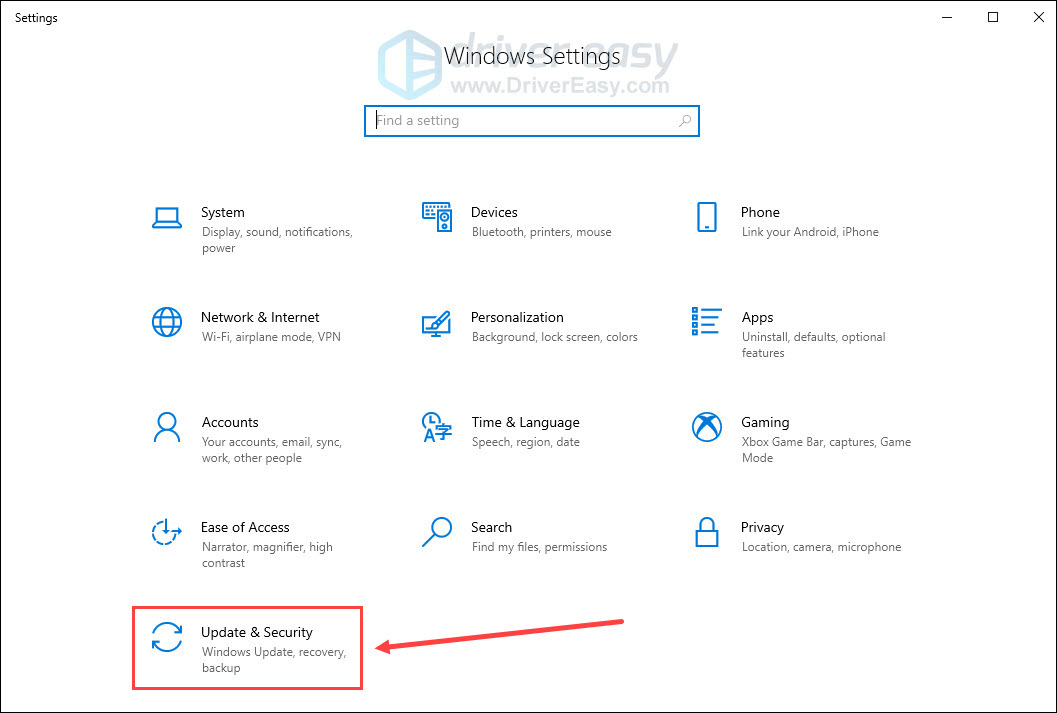
- Software Issues: Outdated drivers, especially for graphics cards from companies like NVIDIA and AMD, can lead to instability. Additionally, running games on incompatible platforms or without the necessary software updates can result in crashes.
- Hardware Compatibility: Many popular games have high system requirements. If your PC or console doesn’t meet these specifications, you're likely to face crashes. This is especially pertinent for gamers using older hardware.
- Performance Optimization: Poorly optimized games can strain your system's resources. Games that are not properly configured for your hardware can lead to crashes, particularly during high-demand moments.
Understanding these issues can significantly enhance your gaming experience, ensuring you can enjoy uninterrupted playtime with friends and fellow gamers in Malaysia.
Step-by-Step Fixes
Now that we’ve identified the common causes, it's time to tackle how to fix game crashing issues. Here are actionable troubleshooting steps for various platforms, including PC and consoles.
For PC Gamers
- Update Drivers: Ensure that your NVIDIA or AMD graphics drivers are up to date. You can manually check for updates through their respective software or websites.
- Verify Game Files: If you're using platforms like Steam or Epic Games, use their built-in verification tools to check for corrupted files. This step can often resolve crashes caused by missing data.
- Adjust Graphics Settings: Lower your graphics settings or resolution. Sometimes, high settings may exceed your hardware's capabilities, leading to crashes.
- Check for Background Applications: Close unnecessary applications that might be consuming resources. Tools like Task Manager can help identify resource-heavy processes.
For Console Gamers
- Reboot Your Console: A simple restart can often resolve temporary glitches that lead to crashes.
- Clear Cache: For PlayStation and Xbox, clearing the cache can help resolve performance issues. Refer to your console’s manual for steps.
- Reinstall the Game: If the issue persists, uninstalling and reinstalling the game may fix underlying problems.
These steps can greatly enhance your gaming experience, allowing you to join your friends in multiplayer matches without interruption.
Preventing Future Crashes
Once you’ve dealt with the immediate issues, it’s essential to take steps to prevent future crashes. Here are some tips tailored for the Malaysian gaming community:
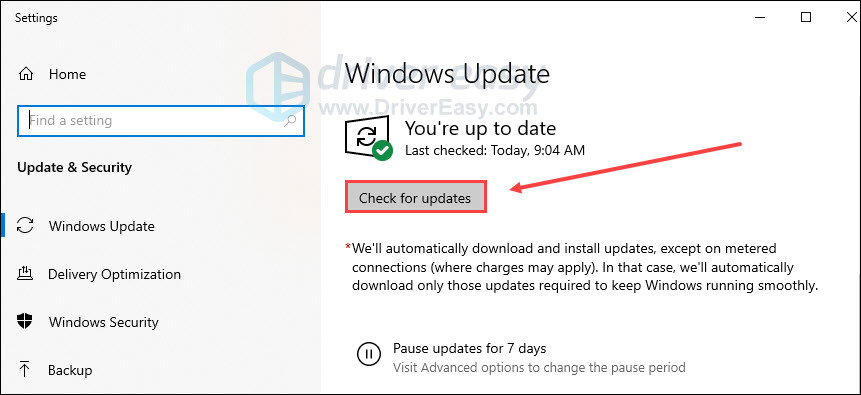
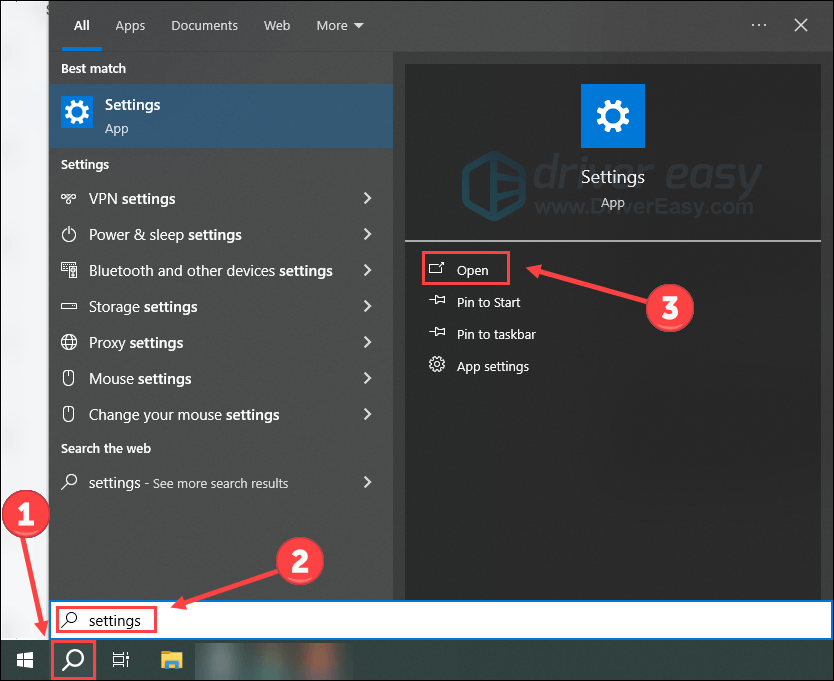
- Regular Updates: Always keep your games and system updated. Developers regularly release patches that fix bugs and improve performance.
- Maintain Hardware: Regularly clean your PC or console to prevent overheating, which can lead to crashes. Ensure proper airflow and consider investing in a cooling system if needed.
- Monitor System Requirements: Before purchasing new games, check if your hardware meets the minimum requirements. If you’re planning to upgrade, consult local forums or stores for recommendations on compatible hardware.
FAQs
What causes games to crash?
Games can crash due to a variety of reasons, including software bugs, hardware incompatibility, insufficient system resources, and poorly optimized game settings. Identifying the specific cause can help in troubleshooting the problem effectively.
How do I troubleshoot game crashes?
To troubleshoot game crashes, start by updating your graphics drivers, verifying game files, and adjusting settings based on your hardware capabilities. For consoles, a simple reboot or cache clearing can often resolve issues. If problems persist, consider reinstalling the game or checking for updates.
In 2026, the Malaysian gaming community is thriving with passionate players and innovative game developers. By understanding the common causes of game crashes and taking proactive steps to fix and prevent them, gamers can ensure a smoother, more enjoyable gaming experience. Stay informed, stay updated, and game on!