5 Common Causes of FPS Drops in Android Games and How to Fix Them
Mobile gaming has become increasingly popular in Malaysia, with gamers enjoying everything from casual puzzle games to competitive battle royales. However, one common complaint among players is experiencing drops in frames per second (FPS), which can significantly affect gameplay. In this article, we’ll explore the common causes of FPS drops in Android games and provide actionable solutions to enhance your gaming experience.
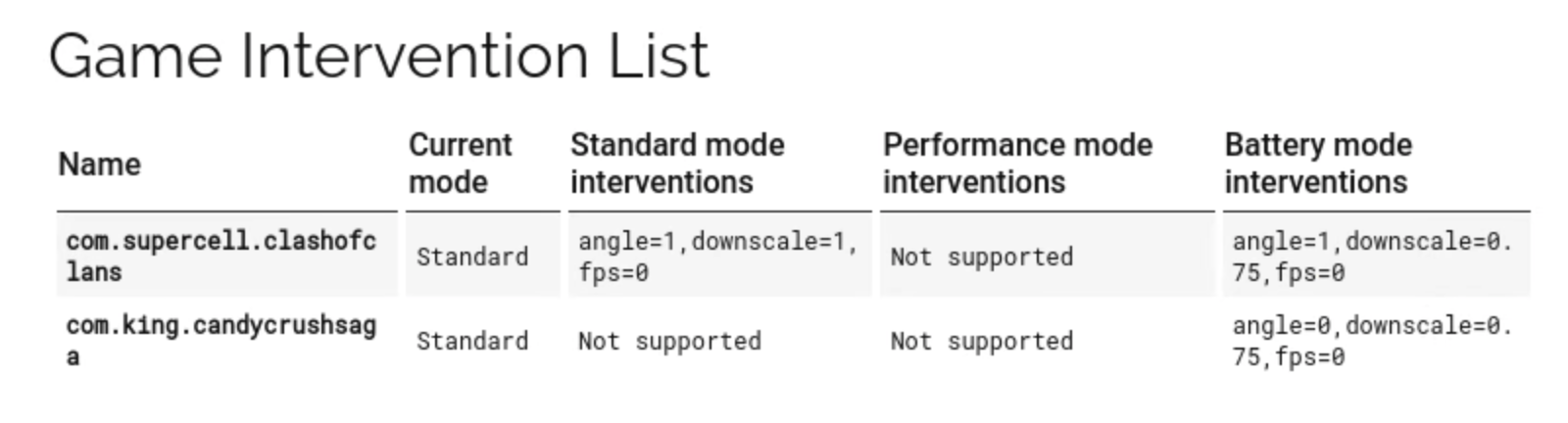
Common Causes of FPS Drops
FPS drops can be attributed to both hardware limitations and software issues. Understanding these factors is crucial for any Malaysian gamer looking to maximize their mobile gaming performance.
Hardware Limitations
One of the primary reasons for FPS drops is hardware limitations. Older Android devices, for instance, may struggle with newer games that demand more processing power and graphical capabilities. In Malaysia, where budget-friendly smartphones are prevalent, many gamers might find themselves using devices that fall short of modern gaming requirements.
Devices like the Samsung Galaxy A series or entry-level smartphones often come with lower-end processors and GPUs, which can lead to stuttering and lag in graphically intensive games. It’s essential to keep in mind that as games evolve, they often require more advanced hardware to run smoothly.
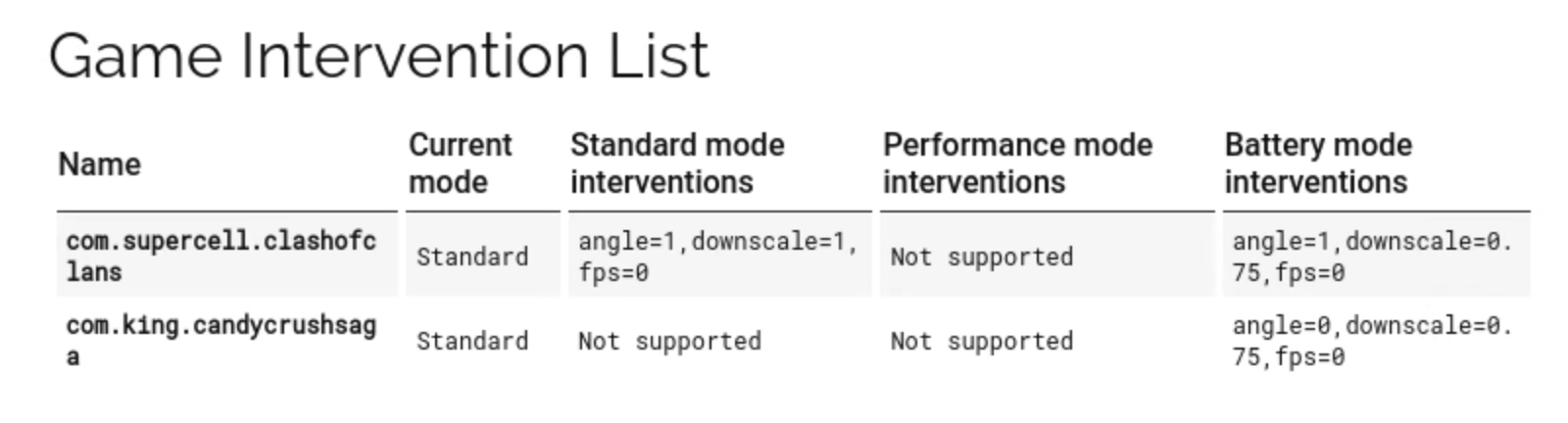
Software Settings
Another common cause of FPS drops stems from improper software settings. Background apps running while you’re gaming can hog system resources, leading to decreased performance. Battery saver modes, which are often enabled on devices to extend battery life, can also throttle performance. In Malaysia, where gamers frequently use their devices for multiple tasks, it’s crucial to manage these settings effectively.
Game Requirements
Each mobile game typically comes with its own set of requirements, which can vary widely. Many Malaysian gamers may not check these requirements before downloading a game from Google Play. Playing a game that exceeds your device’s capabilities can lead to significant drops in FPS. Always ensure that your device meets or exceeds the minimum requirements stated in the game description.
Solutions to Improve FPS
If you’re experiencing FPS drops while gaming, there are several effective solutions to enhance your device's performance.
Adjusting Game Settings
Start by adjusting the in-game settings. Many games offer options to lower graphics quality, reduce resolution, or disable specific effects like shadows and anti-aliasing. By making these adjustments, you can often achieve a smoother gaming experience without sacrificing too much visual quality. Look for settings that are labeled as “performance” or “low graphics” and apply them.
Clearing Cache and Background Apps
Regularly clearing your device’s cache can free up storage space and improve performance. Additionally, ensure that you close any unnecessary background applications before starting a game. Here's how to clear the cache:
- Go to Settings.
- Select Storage.
- Tap on Cached Data, then confirm to clear.
To close background apps, simply access the recent apps menu and swipe away any apps you aren’t using.

Upgrading Hardware
If you find that FPS drops persist despite optimizing settings, it might be time to consider hardware upgrades. This is particularly relevant for players who are serious about mobile gaming. Investing in a newer device with a more powerful processor and GPU can provide a significant improvement in performance. Look for devices specifically marketed for gaming, such as the latest models from Samsung’s Galaxy series or gaming-centric brands like ASUS ROG and Xiaomi Black Shark.
Tips for Optimizing Performance
Beyond the immediate solutions, there are additional measures Malaysian gamers can take to maintain optimal performance over time.
Regular Maintenance
Regular maintenance of your device is essential for optimal performance. This includes keeping your Android operating system updated, uninstalling apps you no longer use, and ensuring that your device is free from malware or viruses. Regularly check for updates in the Settings menu under System Updates to ensure you’re running the latest software version.
Choosing the Right Device
When purchasing a new Android device for gaming, consider the specifications carefully. Look for devices with at least 6GB of RAM, a high-refresh-rate display, and a powerful chipset. Research online reviews and benchmarks, particularly from Malaysian tech reviewers, to find the best options available in your budget.
FAQs
What are the main causes of FPS drops in Android games?
The main causes of FPS drops in Android games include hardware limitations of older devices, improper software settings, and mismatches between game requirements and device capabilities.
How can I fix FPS drops in Android games?
To fix FPS drops, you can adjust in-game settings, clear cache, close background applications, and consider upgrading your device if necessary. Regular maintenance and choosing the right device can also help optimize performance.
By understanding and addressing these common causes of FPS drops, Malaysian gamers can enjoy a significantly better gaming experience. Whether you are playing on a budget device or a high-end smartphone, implementing these tips will help you achieve smoother gameplay and a more enjoyable mobile gaming experience.