Introduction
In the vibrant gaming landscape of Malaysia, where competitive gaming and online multiplayer experiences are on the rise, optimizing your network is crucial. Network optimization not only enhances your gaming experience but also ensures that you can keep up with the fast-paced world of online gaming. With a strong and efficient network, you can significantly reduce lag, improve bandwidth, and enjoy a seamless gaming experience. As we delve into how to optimize network for gaming in Malaysia, we will explore practical tips and troubleshooting techniques tailored to the unique Malaysian context.
Importance of Network Optimization
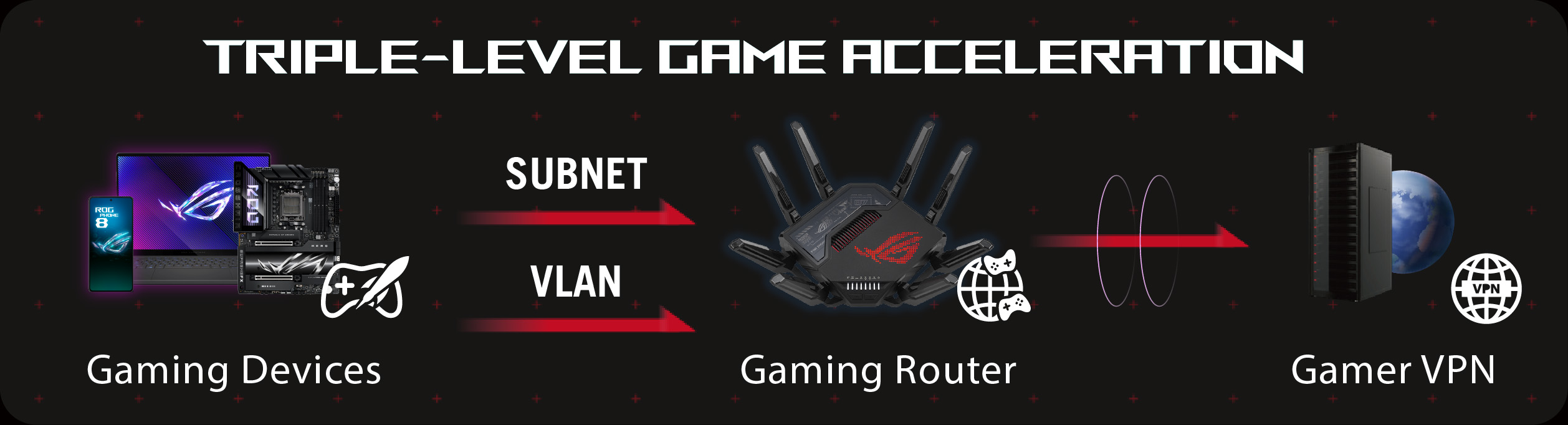
Optimizing your network can dramatically affect your gaming performance. A well-optimized network can lead to reduced latency and improved bandwidth, both of which are vital for an enjoyable gaming experience. Latency, often referred to as ping, is the delay between your action and the game server's response. For gamers, especially those participating in competitive gaming, even a slight increase in latency can be detrimental.
In Malaysia, with internet speeds varying across regions, optimizing your network can help you achieve the best possible performance. For instance, opting for fiber internet can offer speeds up to 1 Gbps, making it a top choice for gamers. Moreover, network optimization can enhance gaming performance by as much as 30%, allowing for smoother gameplay and a more immersive experience.
Tips for Optimization
Now that we understand the importance of network optimization, let's explore some practical strategies for optimizing your home network.
- Router Placement: Position your router in a central location in your home to maximize coverage. Avoid placing it near walls or large metal objects that could interfere with the signal.
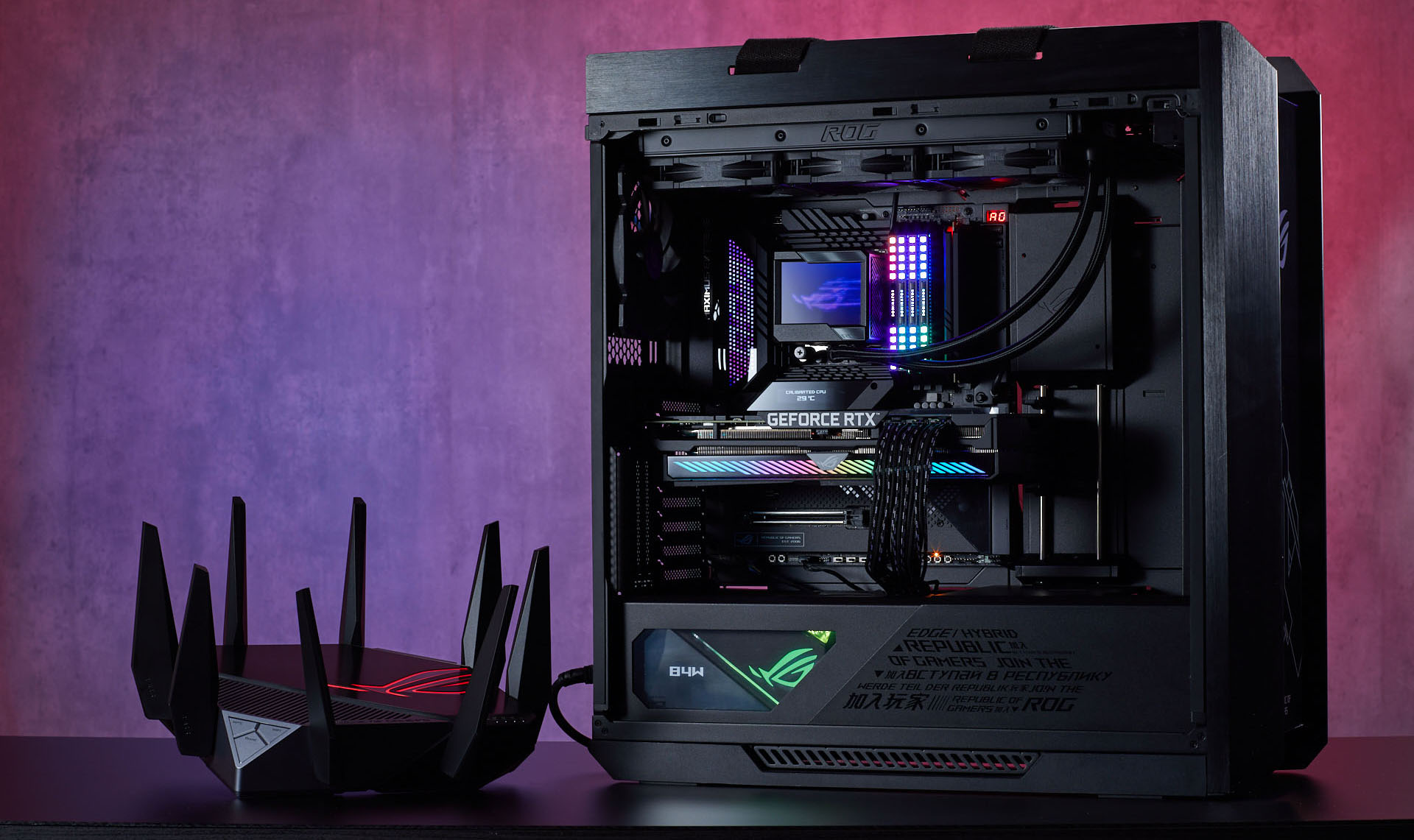
- Use Wired Connections: Whenever possible, use a wired connection for gaming. A direct Ethernet connection significantly reduces latency compared to wireless connections.
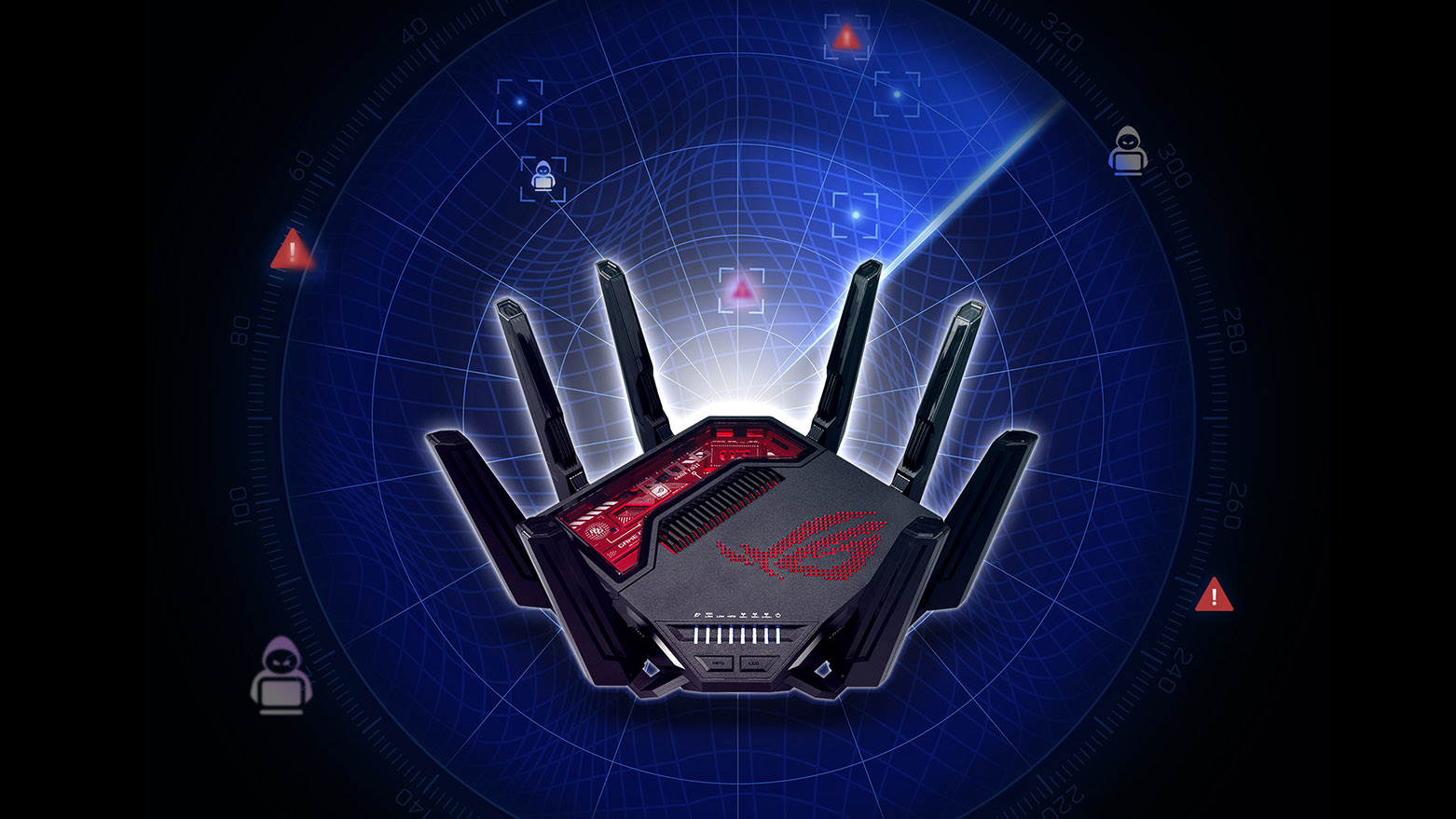
- Router Settings Adjustments: Access your router's settings to prioritize gaming traffic. Most modern routers, such as TP-Link, Netgear, Asus, and D-Link, come equipped with Quality of Service (QoS) settings that allow you to prioritize bandwidth for gaming.
- ISP Considerations: Choose an Internet Service Provider (ISP) that offers reliable speeds and low latency. In Malaysia, providers like Maxis, TIME, and Celcom are popular choices among gamers due to their competitive packages and customer service.
- Regular Firmware Updates: Keep your router firmware updated to benefit from security patches and enhancements that can improve performance.

Troubleshooting
Even with the best optimization strategies, network issues can still arise. Here are some common problems and solutions to help you troubleshoot:
- Lag and Buffering: If you experience lag, ensure that no other devices are heavily using the network during your gaming sessions. Streaming videos or large downloads can consume significant bandwidth.
- Frequent Disconnections: Check for interference from other wireless networks. Changing your Wi-Fi channel can help reduce interference. Tools like Wi-Fi Analyzer can help you identify the best channel.
- Slow Speeds: Run a speed test to check your current internet speed. If it's significantly lower than what your ISP promises, consider contacting them for support. You may also want to explore upgrading your plan or equipment.
Conclusion
Optimizing your network for gaming in Malaysia is not just a luxury—it's a necessity for any serious gamer looking to enhance their performance. By implementing the strategies discussed, from proper router placement to selecting the right ISP, you can significantly improve your gaming experience. Remember, a well-optimized network leads to reduced gaming latency, increased bandwidth, and ultimately, a more enjoyable time spent gaming. Don't hesitate to troubleshoot any issues that may arise, and keep your network fine-tuned for optimal performance. Happy gaming!