Introduction
The streaming landscape in 2026 has evolved dramatically, becoming a cornerstone of the gaming community in Malaysia. With more individuals embracing the digital realm, platforms like Twitch and YouTube have surged in popularity, providing gamers with not just a platform to showcase their skills, but also a means to connect with like-minded individuals. In Malaysia, where gaming culture has blossomed, streaming has become an integral part of the lifestyle for many. Whether you’re looking to share your gameplay or simply engage with an audience, understanding how to set up your streaming environment is essential.
Equipment Required
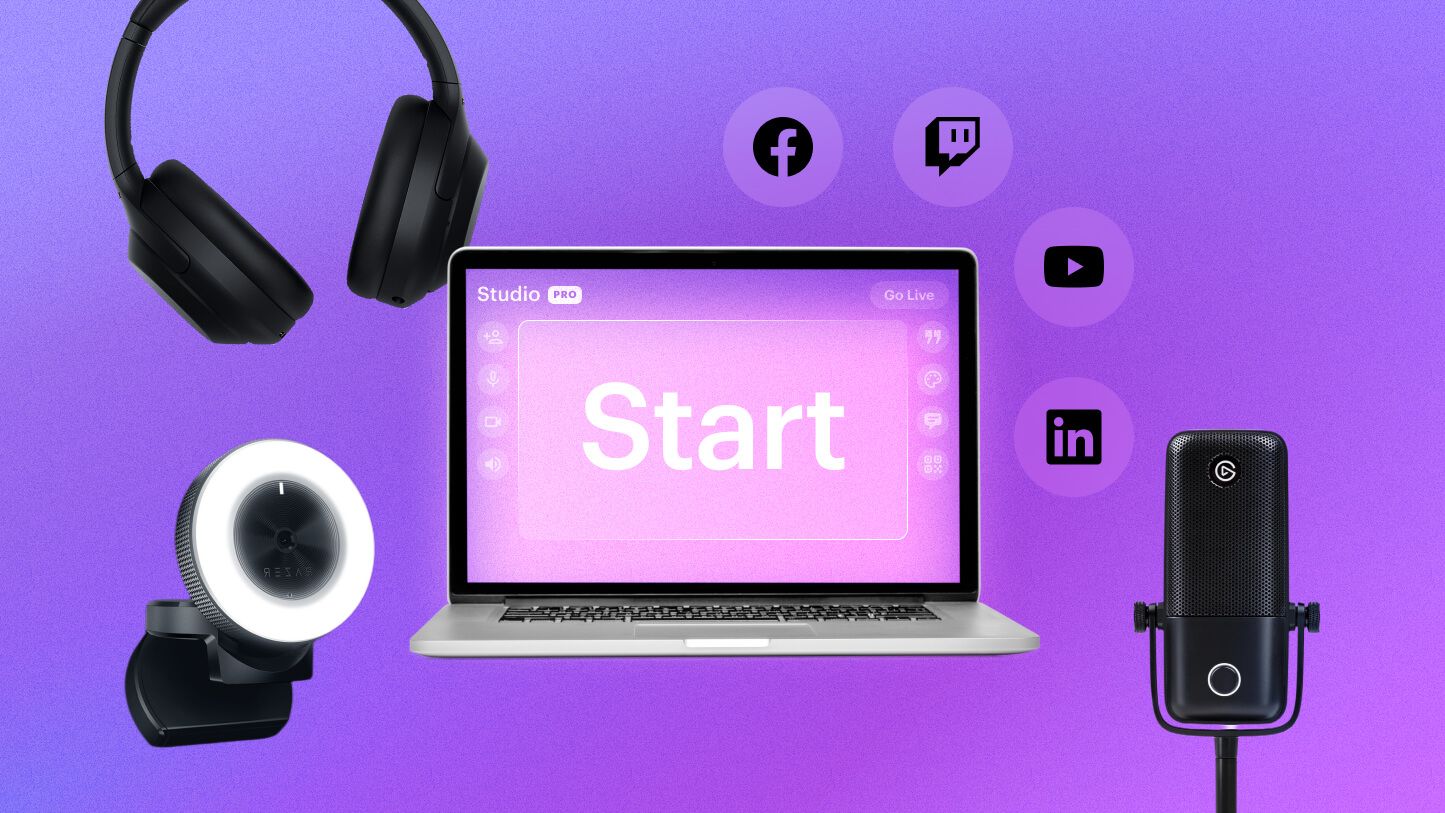
When diving into streaming, having the right equipment is crucial. While you can start with minimal gear, certain hardware will significantly improve your stream's quality. Here’s a detailed list of essential hardware components:
- Webcam: A good webcam is essential for a personal touch. Aim for at least 1080p resolution.
- Microphone: Clear audio is vital. Consider a USB microphone for ease of use and quality.
- Capture Card: If you’re streaming from a console, a capture card is necessary to relay high-quality video to your PC.
- Lighting: Proper lighting can enhance video quality dramatically, making your stream more engaging.
- Headphones: A good pair helps you monitor audio and stay immersed in your game.
Best Brands for Beginners
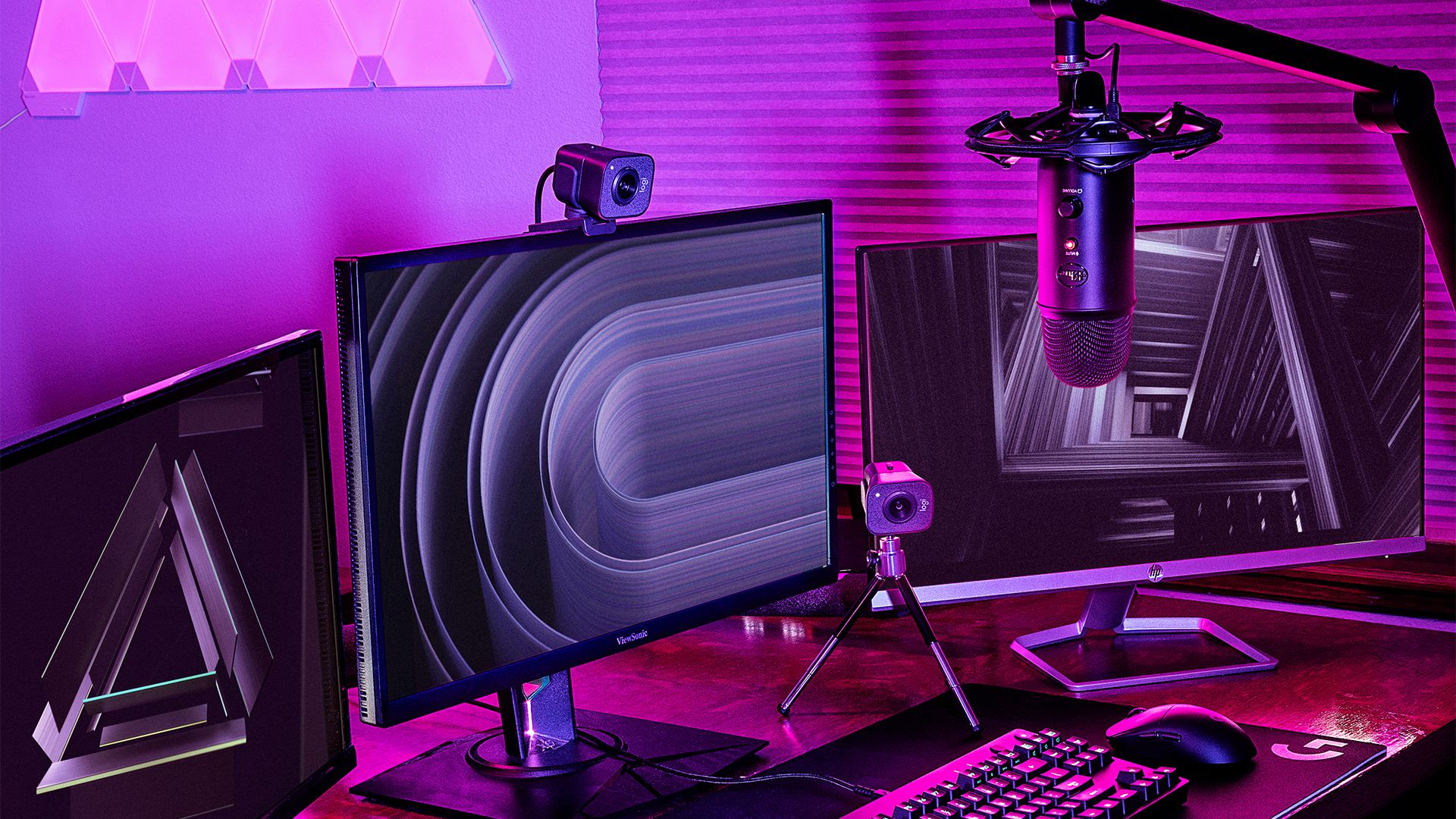
For novice streamers, choosing the right brand can make a significant difference. Some reputable brands that cater to beginners include:
- Logitech: Known for its high-quality webcams and microphones, Logitech offers great options for streamers at various budgets.
- Elgato: Their capture cards and lighting solutions are popular among streamers for their reliability and performance.
Brands like Ninja and Pokimane often recommend these products, which can be seen in their own streams, highlighting their importance in a successful setup.
Software Setup
After gathering your equipment, the next step is setting up your streaming software. OBS (Open Broadcaster Software) is one of the most popular choices due to its versatility and cost (free!). Here’s how to configure it:
- Download and Install OBS: Grab the latest version from the official website.
- Set Up Scenes: Create different scenes for various aspects of your stream, like gameplay, BRB screens, and overlays.
- Configure Audio Settings: Set your microphone and desktop audio levels to ensure clear sound.
- Stream Key: Obtain your stream key from your chosen platform (Twitch or YouTube) and input it into OBS.
Choosing the Right Streaming Platform
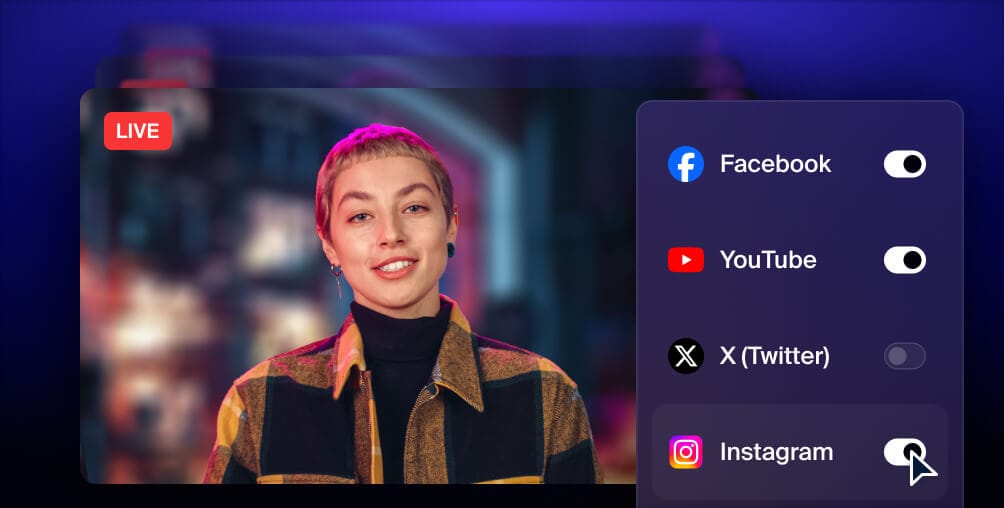
As a new streamer, selecting the right platform is vital for reaching your audience. Here’s a comparison of two leading platforms:
- Twitch: Known for its gaming-centric community, Twitch allows for real-time interaction and has a vast audience base. It’s great for new streamers looking to build a community.
- YouTube: Offers more flexibility in terms of content variety. You can upload videos and stream simultaneously, making it ideal for gamers who also want to create content.
Both platforms have their merits, but consider where your audience is most likely to engage with your content.
Streaming Tips
Building an audience goes beyond just going live. Here are some effective tips to engage with your viewers:
- Interact with Your Audience: Respond to comments and encourage viewer participation. This can significantly boost your viewership.
- Consistent Schedule: Stream regularly to create a routine for your audience, making them more likely to return.
- Promote on Social Media: Utilize platforms like Instagram and Twitter to announce your streams and share clips to attract more viewers.

Common Mistakes to Avoid
Even the most well-intentioned streamers can trip up. Here are some common pitfalls:
- Neglecting Audio Quality: Remember, audio is often more important than video. Invest in a good microphone early on.
- Ignoring Chat: If you don’t engage with your chat, viewers may feel ignored and leave.
- Inconsistent Streaming: Irregular streaming schedules can make it hard for your audience to follow you.
Troubleshooting
No setup is without its challenges. Here are some common technical issues and their solutions:
- Lagging Stream: Check your internet connection and consider lowering your stream resolution.
- Audio Issues: Ensure your microphone is properly connected and check for any muted settings in OBS.
- Stream Not Starting: Double-check your stream key and ensure OBS is running as an administrator.
By troubleshooting these issues, you can quickly get back to what you love—streaming!
Frequently Asked Questions
What do I need to start streaming?
To start streaming, you’ll need a good computer or console, a webcam, a microphone, and a stable internet connection. As mentioned earlier, having a capture card is essential if you're streaming from a console. Don't forget about software like OBS to manage your stream.
How much does it cost to set up a streaming setup?
The cost can vary significantly based on your choices. A basic streaming setup can start from as low as RM500 to RM1000 for essential equipment. However, if you opt for higher-end gear, the costs can rise to RM3000 or more. Always consider what fits within your budget and needs.
With the right setup and approach, anyone can become a successful streamer in Malaysia’s vibrant gaming community. Start small, engage your audience, and watch your streaming journey unfold!