Understanding WiFi Ping
When engaging in online gaming, one of the most critical metrics to consider is your WiFi ping. WiFi ping refers to the time it takes for data to travel from your device to a server and back again, measured in milliseconds (ms). This measurement is crucial for online activities because lower ping times mean less latency, which can significantly enhance your gaming experience. High latency can result in lag, delays, and a frustrating gameplay experience, particularly in fast-paced games.
As gamers in Malaysia, we must understand that a ping of 20-50 ms is generally considered excellent, while anything above 100 ms can start to affect performance. In competitive gaming, even a few milliseconds can mean the difference between victory and defeat. Therefore, knowing how to improve WiFi ping in Malaysia is essential for a seamless online gaming experience.
Factors Affecting WiFi Ping
Several elements can impact your WiFi ping and overall internet speed. In the Malaysian context, these factors can be particularly pronounced due to varying infrastructure and environmental conditions. Here’s a breakdown of key factors affecting your WiFi ping:
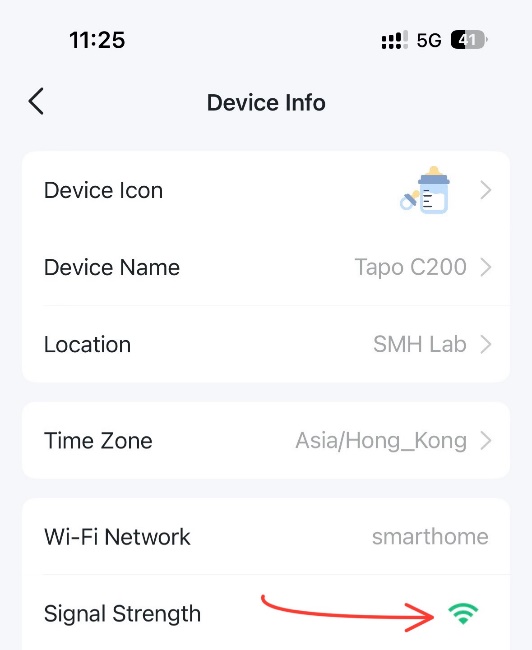
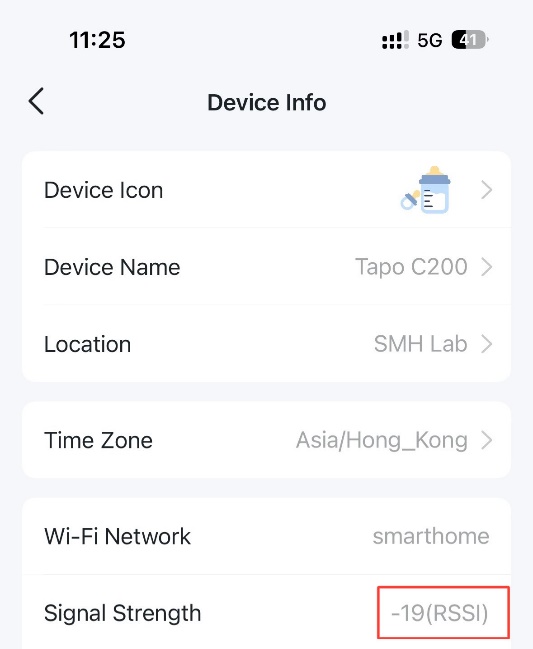
- Distance from the Router: The further you are from your WiFi router, the higher the ping. Walls and obstacles can also exacerbate this issue.
- Interference: WiFi signals can be disrupted by physical barriers or other electronic devices. Common culprits include microwaves and cordless phones, which can cause interference and increase latency.
- ISP Limitations: Your Internet Service Provider (ISP) can also play a significant role in determining your ping. Some ISPs may have congested networks, affecting latency and overall performance.
- Network Traffic: If multiple devices are connected to your WiFi network and consuming bandwidth (like streaming video or downloading files), your ping may suffer.
Tips to Improve WiFi Ping
Improving your WiFi ping can be easier than you think. Here are some actionable tips tailored for Malaysian gamers seeking to enhance their online experience:
- Optimal Router Placement: Position your router in a central location within your home, away from walls and obstructions. The higher you place it, the better the signal will be. This simple adjustment can lead to substantial improvements in ping.
- Reduce Interference: Keep electronic devices that may cause interference away from your router. Additionally, switching your router to a less congested channel can help reduce ping.
- Adjust Router Settings: Access your router settings and experiment with the Quality of Service (QoS) feature. Prioritize gaming devices to ensure they receive bandwidth first during high traffic times.
- Use Wired Connections: If possible, use an Ethernet cable to connect directly to your router rather than relying on WiFi. Wired connections typically offer lower ping and faster speeds.
- Regularly Update Router Firmware: Keeping your router's firmware up to date can improve performance and security. Check your router manufacturer's website for updates.
Recommended Equipment
Upgrading your equipment can have a significant impact on your WiFi performance. Here’s a look at some of the top routers available in Malaysia that can help improve your WiFi ping:
- TP-Link Archer AX6000: This high-performance router offers dual-band connectivity and advanced features like OFDMA and MU-MIMO technology, which can significantly reduce latency, making it ideal for gamers.
- Netgear Nighthawk AX12: Known for its robust performance, this router supports the latest WiFi 6 technology, providing faster speeds and lower ping, perfect for competitive gaming.
- Asus RT-AX88U: With its powerful hardware and comprehensive customization options, this router allows users to optimize settings for gaming, resulting in improved ping and internet speed.
Conclusion
In summary, reducing WiFi ping is crucial for enhancing your online gaming experience in Malaysia. By understanding what WiFi ping is and the various factors that affect it, you can take proactive steps to improve your latency. From optimal router placement and reducing interference to upgrading your equipment, these tips can help you achieve smoother gameplay.
Don’t let high ping ruin your gaming sessions. Implement the strategies outlined above, invest in reliable equipment, and enjoy a seamless online gaming experience in 2026!
FAQ
What causes high WiFi ping?
High WiFi ping can be caused by various factors including distance from the router, interference from other electronic devices, network congestion, and limitations imposed by your ISP. It's essential to troubleshoot and identify these issues to improve your gaming performance.
How can I test my WiFi ping?
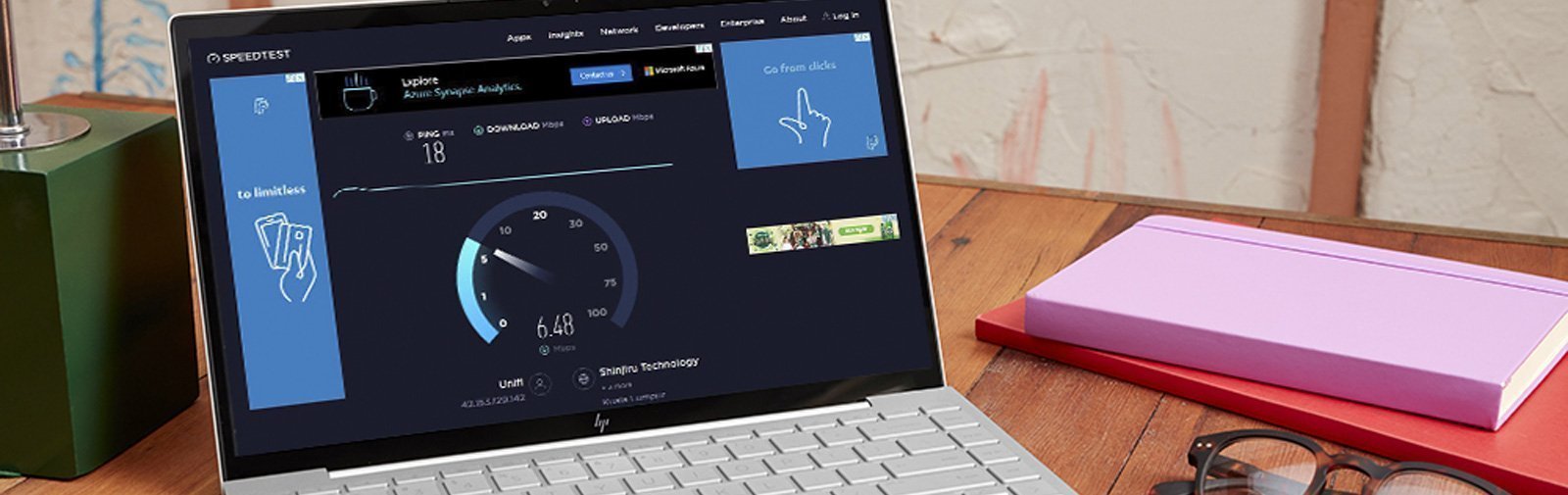
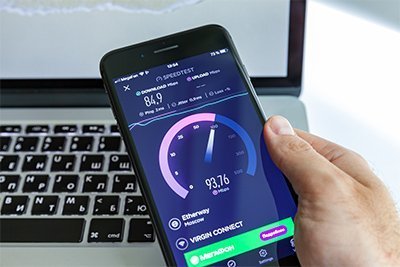
You can test your WiFi ping using various online tools or applications. Websites like Speedtest.net allow you to measure your ping, download speed, and upload speed. Simply connect to your WiFi network and run the test to see your current latency.