Introduction
Virtual Reality (VR) gaming has taken the world by storm, and in 2026, its popularity continues to soar, particularly in Southeast Asia. The immersive experiences that VR offers have attracted millions of gamers, revolutionizing how we interact with video games. Malaysia, with its thriving gaming community and increasing interest in cutting-edge technology, is no exception. As we delve into the world of VR, this comprehensive guide will help you set up your very own VR gaming experience.
Choosing the Right Equipment
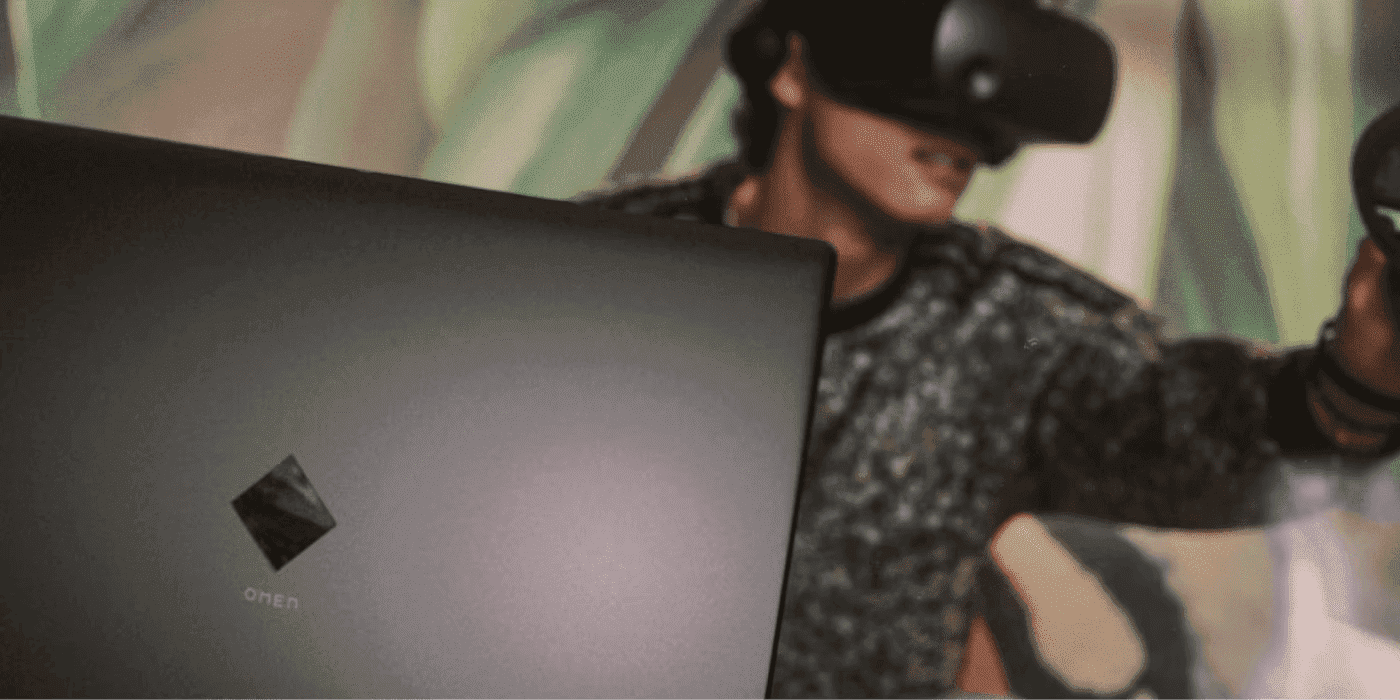
The first step in creating a VR gaming setup is selecting the right equipment. This includes a VR headset, tracking systems, and possibly additional hardware like controllers and sensors. The quality of your VR experience largely depends on the equipment you choose, so it’s essential to do your research.
Best VR Headsets for Gaming
When it comes to VR headsets, several brands stand out in the market. Here’s a closer look at some popular options:
- Oculus: The Oculus Quest 2 remains one of the best-selling VR headsets in 2026. Its standalone capability, affordability, and extensive library of games make it an excellent choice for both new and experienced gamers.
- HTC: Known for high-quality VR experiences, HTC has continued to innovate with the Vive series. The HTC Vive Pro 2, for instance, offers stunning visuals and precise tracking, making it perfect for serious gamers.
- Valve: The Valve Index is another top-tier headset that appeals to enthusiasts. Its advanced tracking system and high refresh rate provide an incredibly immersive experience, although it comes at a premium price.
Each of these brands has its unique features, so consider your gaming preferences and budget when making a decision.

Setting Up Your Space
Creating the perfect gaming environment is crucial for an enjoyable VR experience. A dedicated gaming space boosts the quality of your VR sessions, allowing for unhindered movement and interaction. Here are some tips to help you design your VR gaming environment:
How Much Space Do You Need for VR Gaming?
Space is a critical factor in setting up your VR gaming experience. Ideally, you should have at least a 2m x 2m area to move around freely. This space allows for a safe experience where you can immerse yourself without worrying about bumping into furniture or walls.
Additionally, it’s essential to check the requirements of your chosen VR headset. For example, while the Oculus Quest 2 can operate in a smaller area, the Valve Index may require more space to utilize its full tracking capabilities. Make sure to clear your gaming area of any obstacles and ensure the floor is clean and flat to prevent accidents.
Recommendations for Accessories
To enhance your VR gaming experience, consider investing in a few essential accessories:
- VR Controllers: Though most headsets come with basic controllers, upgrading to more advanced options can provide better tracking and control.
- VR Gloves: These can enhance the tactile experience, allowing for more natural interactions within VR environments.
- Headphones: Immersive audio is crucial in VR gaming. Investing in high-quality headphones can elevate your gaming experience significantly.
- VR Mat: A dedicated VR mat can help you orient yourself in the virtual space, providing a physical reminder of your play area.
These accessories can significantly enhance your immersion and enjoyment, making them worthwhile additions to your setup.
Software Setup
After setting up your equipment and space, it’s time to get your VR software up and running. Here’s a step-by-step guide to ensure your VR gaming software is set up correctly:
- Install the Necessary Software: Depending on your headset, download the required software from the manufacturer's website. For Oculus users, this means downloading the Oculus app, while HTC and Valve users will need to install SteamVR.
- Configure your Headset: Follow the on-screen instructions to set up your headset. This typically involves adjusting the fit, calibrating the tracking, and selecting your play area.
- Update Firmware: Make sure to update your headset’s firmware to the latest version. This ensures you have access to the latest features and improvements.
- Install Games: Once everything is set up, browse your VR game library and download your favorites. Popular titles like Beat Saber and Half-Life: Alyx offer captivating experiences that showcase the capabilities of VR.
With your software set up, you’re ready to dive into the world of VR gaming!
Frequently Asked Questions
What do I need for a VR gaming setup?
For a basic VR gaming setup, you’ll need a compatible VR headset, a capable gaming PC or console, and a sufficient play area free from obstacles. Additional accessories such as controllers, headphones, and VR gloves can enhance the experience.
Can I use my PC for VR gaming?
Yes, many VR headsets, including the Oculus Rift and HTC Vive, are designed to work with powerful gaming PCs. Ensure your PC meets the minimum specifications for the headset you choose for the best experience.
As the gaming landscape continues to evolve, VR technology is at the forefront of this transformation. Innovators like John Carmack and Palmer Luckey have played pivotal roles in shaping the VR industry, leading to more accessible and immersive experiences for gamers everywhere. Malaysia's gaming community is well-positioned to embrace these advancements, making now the perfect time to set up your VR gaming experience.