Understanding Game Lag
For gamers in Malaysia, experiencing lag during gameplay can be incredibly frustrating. Game lag refers to the delay between a player's action and the game's response. This can manifest as choppy visuals, delayed controls, or even complete freezing. In the fast-paced world of mobile gaming, where split-second decisions can make or break a match, lag can severely impact the user experience.
In 2026, the mobile gaming landscape is more competitive than ever, with titles such as PUBG Mobile and Mobile Legends dominating the scene. Terms like "ping," "frame rate," and "latency" are now part of the daily vocabulary of gamers. Understanding these concepts is crucial to identifying and addressing lag issues effectively.
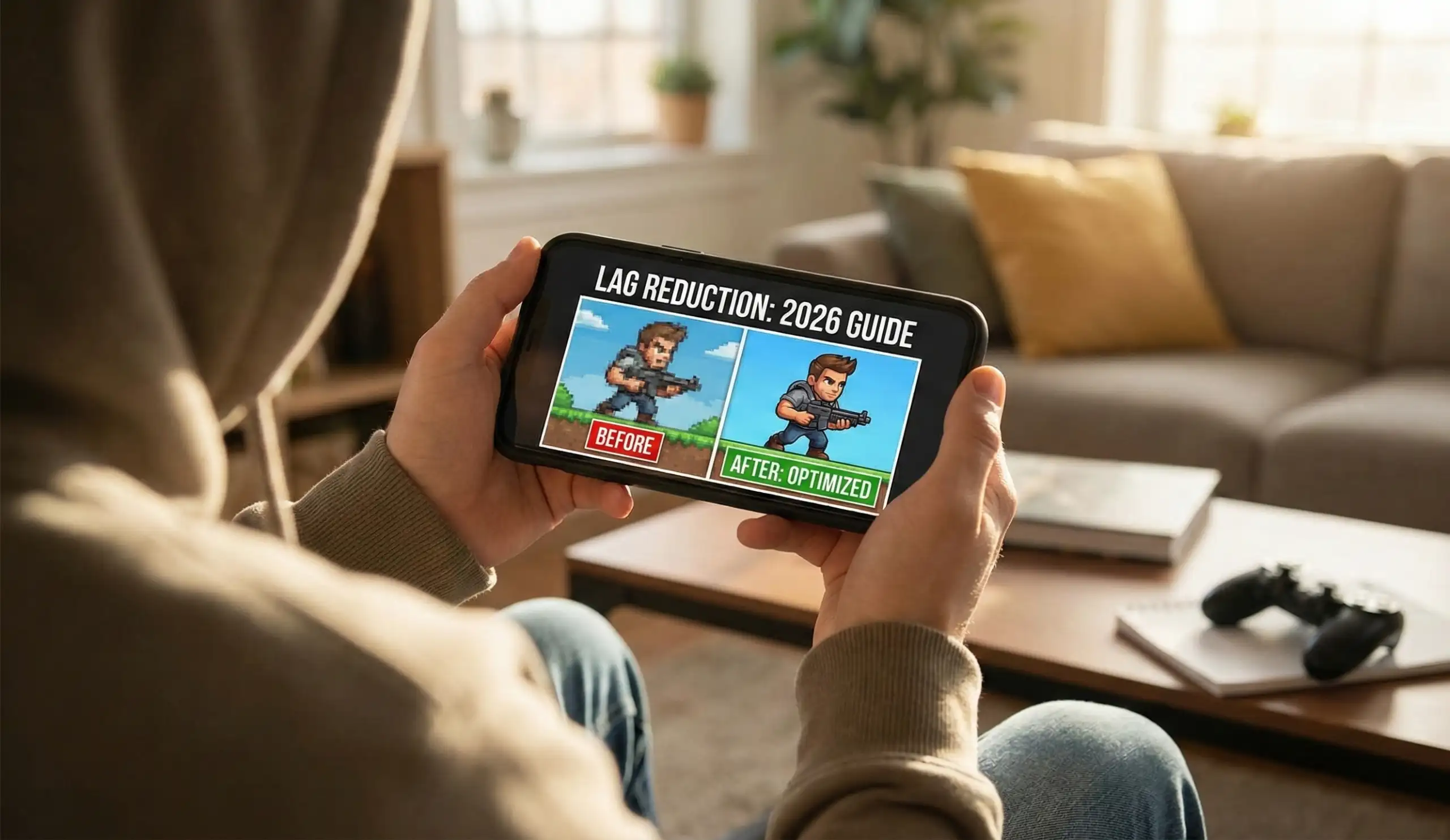
As Malaysian gamers continue to push the boundaries of mobile technology, optimizing performance has become essential. Whether you’re using a Samsung Galaxy, a Google Pixel, or a Huawei device, reducing lag is a shared goal among all mobile gamers.
Common Causes of Lag
There are several technical reasons that can lead to lag in Android games. Understanding these causes can help you take appropriate action to minimize disruptions:
- Hardware Limitations: Not all Android devices are created equal. Older models may struggle to run graphics-intensive games smoothly, leading to performance issues.
- Software Conflicts: Sometimes, background applications consume resources that affect gaming performance. Apps running in the background can lead to increased latency.
- Network Issues: Poor internet connectivity is a primary cause of lag, especially in online multiplayer games. A weak Wi-Fi signal or high ping can result in significant delays.
- Graphics Settings: High graphics settings can overwhelm weaker devices, resulting in lag. Adjusting these settings can often provide a smoother experience.
In Malaysia, factors such as network speed can vary significantly depending on your location. Urban areas may have better connectivity, while rural areas might struggle with stable internet access. Understanding these factors can help gamers prepare better and minimize lag-related frustrations.
Performance Optimization Tips
To reduce lag in Android games, there are several actionable tips you can implement effectively:
- Clear Cache Regularly: Clearing the app cache can significantly reduce lag. This removes temporary files that may be consuming your device’s resources.
- Lower Graphics Settings: Adjusting your game’s graphics to a lower setting can improve performance. This is especially beneficial for devices with limited processing power.
- Close Background Applications: Before starting a gaming session, close any unnecessary apps running in the background. This frees up RAM and reduces the chances of lag.
- Use Performance Management Apps: Several apps can help optimize your device for gaming. Look for options that are compatible with your device brand, such as Samsung Game Launcher or Huawei's GPU Turbo.

For gamers using popular brands like Samsung or Huawei, take advantage of built-in performance modes that can help manage resources more effectively. Additionally, Google Play offers various applications designed to optimize gaming experiences, so exploring those options is worthwhile.
Fixing Lag Issues
If you encounter lag despite optimizing your settings, here are step-by-step solutions to troubleshoot common problems:
- Check Your Internet Connection: Start by testing your internet speed. If your connection is unstable or slow, consider switching to a different Wi-Fi network or using mobile data with a stronger signal.
- Update Your Device: Ensure that your Android device is running the latest software version. Updates often come with performance improvements and bug fixes.
- Reinstall the Game: Sometimes, reinstalling the game can resolve performance issues. This ensures you have the latest version and clears any corrupted files.
- Factory Reset (as a last resort): If all else fails, a factory reset may help. However, ensure you back up your data first, as this will erase everything on your device.
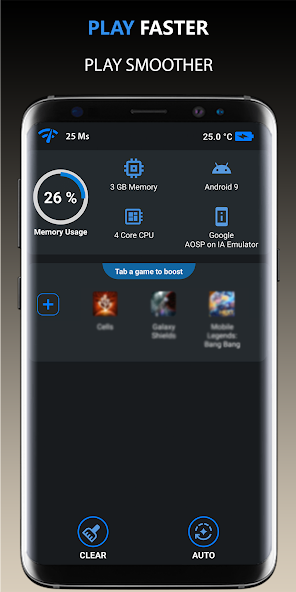
While troubleshooting, remember that different devices may respond differently based on their specifications. The key is to understand your device's capabilities and adjust accordingly. Additionally, keeping an eye on major updates from game developers can help you stay ahead of any potential performance issues that might arise.
FAQ
- What causes lag in Android games?
Lag can be caused by several factors, including hardware limitations, software conflicts, poor internet connectivity, and high graphics settings. - How can I improve my Android gaming performance?
Improving performance can be achieved by clearing cache, lowering graphics settings, closing background apps, and using performance management apps.
By following these tips and understanding the underlying causes of lag, Malaysian gamers can enhance their gaming experience significantly. Whether you’re battling it out in a mobile arena or exploring expansive worlds, a smoother gameplay experience is just a few adjustments away.