Introduction
In today's fast-paced gaming landscape, having the right router settings can significantly enhance your gaming experience. For gamers in Malaysia, where online gaming is immensely popular, optimizing your router settings is not just a suggestion—it's a necessity. With the rise of competitive gaming and the demand for stable connections, understanding how to configure your router can make a world of difference. Let's explore the best router settings for gaming in Malaysia and how they can improve your performance in 2026.

Best Settings for Gaming
To unlock the full potential of your gaming setup, consider the following key router settings that can enhance your gaming performance:
- Quality of Service (QoS) Settings: This feature allows you to prioritize gaming traffic over other types of traffic on your network. By setting your gaming device to a higher priority, you can reduce latency and ensure a smoother gaming experience.
- Channel Selection: Wi-Fi operates on various channels. Choosing the least crowded channel can minimize interference from neighboring networks, which is especially important in densely populated areas of Malaysia.
- Security Configurations: Ensure your router is secure by using WPA3 encryption if available. This protects your connection from potential intrusions that could slow down your network.
Router Configuration Tips
Different router brands have unique settings, but here are some configuration tips for popular brands in Malaysia:
- Netgear: Log into the router’s admin panel, navigate to the QoS settings, and enable it. Set your gaming device as the highest priority. You can also change the channel under the Wireless settings to optimize performance.
- Asus: Access the web interface and go to the Adaptive QoS section. Enable it and select your gaming device. Additionally, ensure that the 5GHz band is enabled for faster speeds.
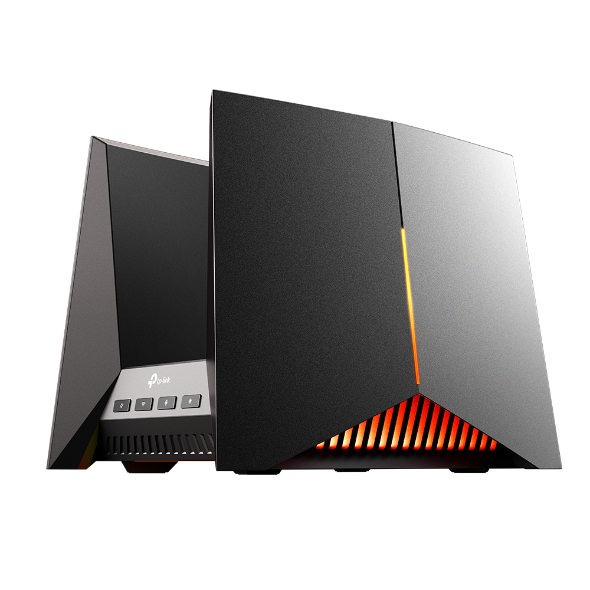
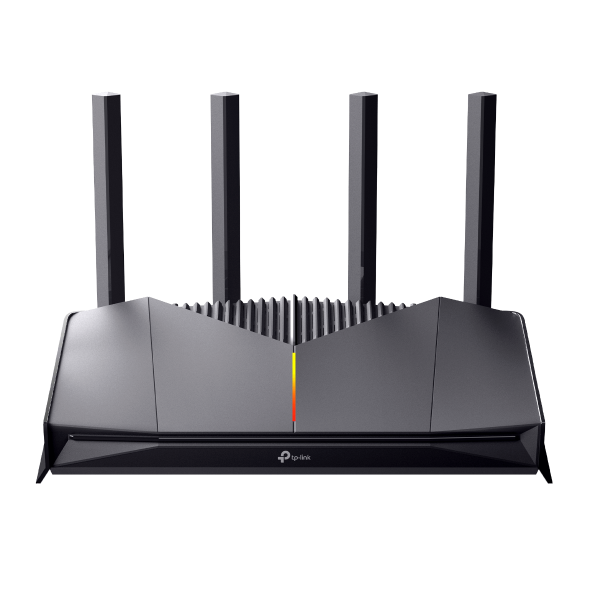
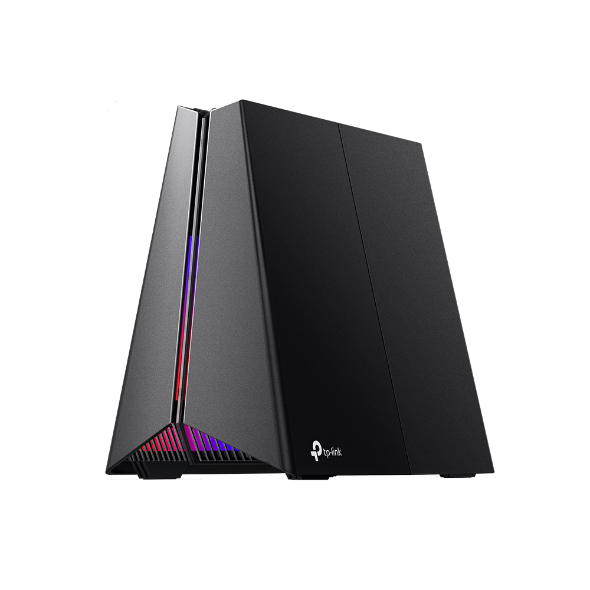
- TP-Link: Use the QoS feature to prioritize gaming traffic. Under the Wireless settings, select a less congested channel. TP-Link routers often have a simple interface, making these adjustments user-friendly.
- D-Link: In the admin dashboard, find the QoS settings, enable it, and prioritize your gaming device. Adjust the channel settings as needed to reduce interference.
Troubleshooting Tips
Even with the best settings, issues can arise. Here are common troubleshooting solutions for gamers facing problems like lag and connection drops:
- Check Your Bandwidth: Ensure no other devices are consuming excessive bandwidth while you’re gaming. Streaming services or downloads can significantly affect your connection.
- Reboot Your Router: Sometimes, a simple reboot can resolve connectivity issues and refresh your network.
- Firmware Updates: Regularly check for firmware updates for your router. Manufacturers often release updates that improve performance and security.
- Wired Connection: If possible, connect your gaming device directly to the router using an Ethernet cable. This can drastically reduce latency compared to Wi-Fi.
Reducing Lag During Gaming
Lag can be a gamer’s worst enemy. Here are practical tips to minimize latency and improve your overall gaming experience:
- Optimize Your Router Placement: Place your router in a central location in your home to ensure even coverage. Avoid placing it near walls or metal objects that can obstruct the signal.
- Reduce Interference: Keep your router away from microwaves, cordless phones, and other electronic devices that can interfere with your Wi-Fi signal.
- Quality Ethernet Cables: Invest in good quality cables for wired connections. Cat 6 or Cat 7 cables provide better speeds and reduced interference.
- Monitor Background Applications: Close applications that may be running in the background during your gaming session. This includes automatic updates and cloud backups.
Conclusion
Optimizing your router settings is crucial for achieving the best gaming performance in Malaysia. By implementing the recommended settings, troubleshooting common issues, and following tips to reduce lag, you can enhance your gaming experience significantly. Whether you're playing competitively or casually, taking these steps can help you enjoy smoother gameplay and reduced latency. Don't hesitate to explore your router's features and make the necessary adjustments to elevate your gaming to the next level in 2026.