Introduction
In the vibrant world of gaming, the graphics card stands as a pivotal component that can dramatically enhance your gaming experience. As we step into 2026, the advancements in graphics technology have made it more crucial than ever for gamers in Malaysia to stay informed about the latest developments. Whether you’re an aspiring esports champion or a casual gamer, the right graphics card can elevate your gameplay, improving frame rates and visual fidelity.
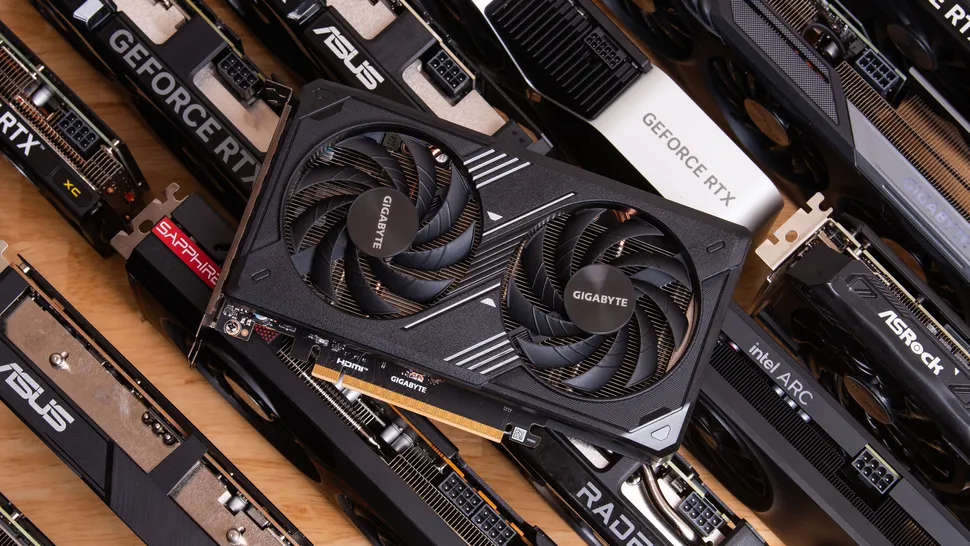
With new models continually entering the market, understanding how to choose the right graphics card can mean the difference between smooth gameplay and frustrating lags. In this guide, we’ll delve into essential considerations, highlight top picks for 2026, and provide tips on installation and performance evaluation tailored for the Malaysian gaming community.
How to Choose a Graphics Card
Choosing the right graphics card requires careful consideration of several factors, including specifications, budget, and gaming needs. Here’s a breakdown to help you make an informed decision:
- Specifications: Assess the GPU architecture, VRAM size, and clock speeds, as these determine how well a graphics card performs under various gaming conditions.
- Budget: Graphics cards can range significantly in price. Set a realistic budget based on your gaming habits—if you're a competitive player, investing more may yield better performance returns.
- Gaming Needs: Consider the types of games you play. High-resolution games or those with extensive visual effects may require more powerful graphics cards.
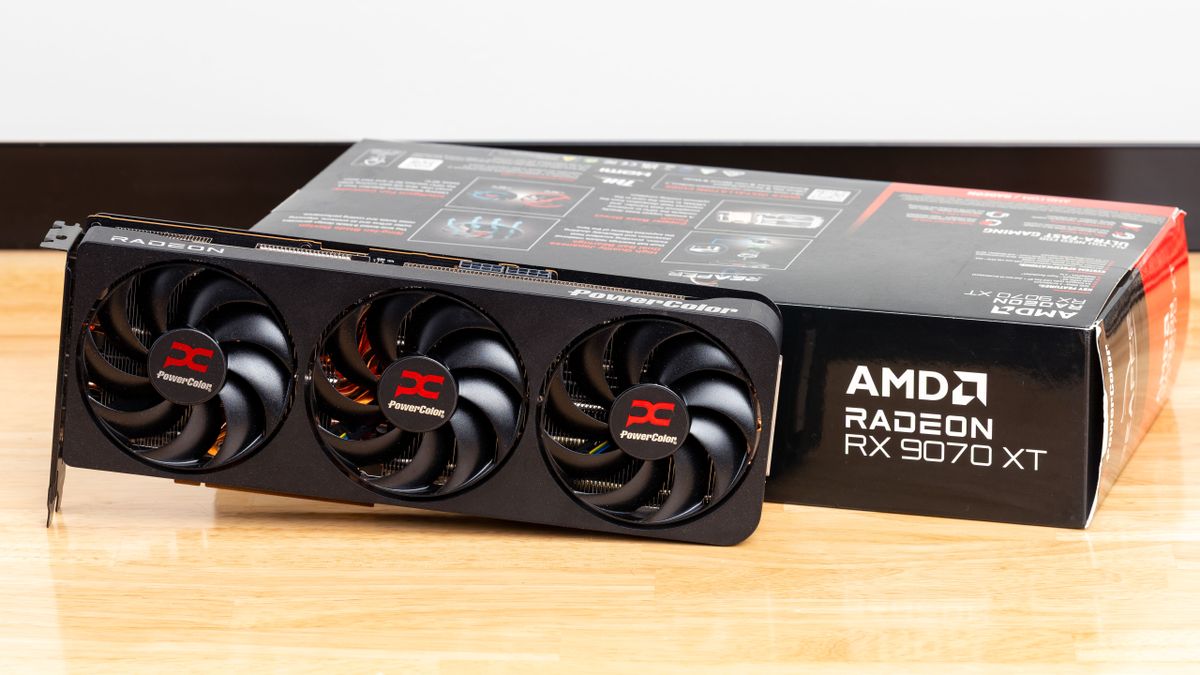
By weighing these factors, you can narrow down your options and find a card that fits both your performance requirements and budget constraints.
Key Features to Look For
When browsing for a graphics card in 2026, several key features should be at the forefront of your decision-making process:
- VRAM: Video RAM (VRAM) is critical for high-resolution gaming. A minimum of 8GB is recommended for 1440p gaming, while 12GB or more is ideal for 4K resolutions.
- Performance Benchmarks: Look for benchmark scores for the games you play. Websites like Tom's Hardware or TechSpot provide comprehensive reviews and performance metrics.
- Compatibility: Ensure that the card is compatible with your PC’s motherboard and power supply. Check the physical dimensions as well; some high-end cards are quite large.
Top Picks for 2026
With the gaming landscape evolving, here are some of the top graphics cards for 2026, catering to various budgets and gaming needs:
- NVIDIA GeForce RTX 4090: The flagship card boasting exceptional ray-tracing capabilities and performance, perfect for serious gamers and 4K enthusiasts.
- AMD Radeon RX 7900 XTX: A formidable competitor offering excellent value for high-performance gaming, especially at 1440p and 4K resolutions.
- Intel Arc A770: Intel’s entry into the discrete GPU market has been impressive, providing good performance for mid-range gaming at a competitive price.
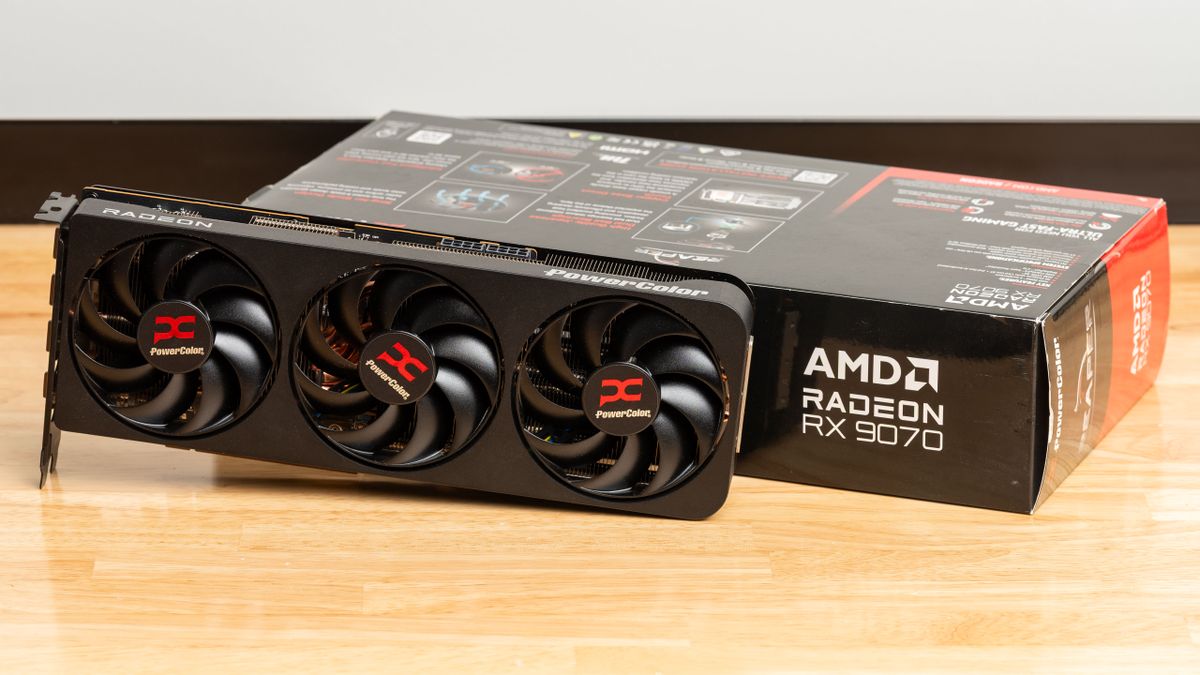
These selections are based on performance, value, and user feedback, making them solid options for gamers in Malaysia.
Performance Metrics
Evaluating the performance of graphics cards is essential for making an informed choice. Here are some key metrics to consider:
- Frame Rates: Measured in frames per second (FPS), high frame rates enhance the smoothness of gameplay. Aim for at least 60 FPS for a good experience, especially in competitive gaming.
- Benchmark Reviews: Look at benchmarks from trusted sources to see how cards perform under real gaming scenarios. These reviews often highlight performance in popular titles.
- Thermal Performance: Pay attention to how hot a card runs under load. Cards with better cooling solutions tend to last longer and perform more consistently.
Installation Tips
Installing a new graphics card can seem daunting, but with the right steps, it can be straightforward. Here’s a guide to help you through the process:
- Prepare Your Workspace: Ensure your PC is powered off and unplugged. Work in a static-free environment.
- Open Your PC Case: Remove the side panel of your case to access the motherboard.
- Remove Old GPU: If you’re replacing an existing graphics card, carefully detach it from the PCIe slot.
- Insert New GPU: Align the new graphics card with the PCIe slot and press down firmly until it clicks into place.
- Connect Power Cables: Ensure that any necessary power connectors from your PSU are attached to the graphics card.
- Close the Case: Secure the side panel back onto your case, plug in your PC, and power it on.
After installation, download the latest drivers from the manufacturer’s website to ensure optimal performance.
Common Pitfalls to Avoid
Even seasoned gamers can make mistakes when selecting or installing a graphics card. Here are common pitfalls to avoid in 2026:
- Ignoring Compatibility: Always check compatibility with your motherboard and power supply before purchasing a new card.
- Overlooking VRAM Needs: Don’t underestimate VRAM, especially for high-resolution gaming. Insufficient VRAM can lead to stuttering and reduced performance.
- Rushing to Buy: Take your time to research and compare different models and their reviews. It’s worth waiting for the right card rather than rushing into a purchase.
By avoiding these pitfalls, you’ll ensure a smoother gaming experience and make the most of your investment.
FAQs
What is the best graphics card for gaming in 2026?
As per current benchmarks, the NVIDIA GeForce RTX 4090 stands out as the best option for high-end gaming. However, for budget-conscious gamers, the AMD Radeon RX 7900 XTX offers excellent performance at a competitive price.
What are the key features to look for in a gaming graphics card?
Key features include VRAM size (at least 8GB for 1440p gaming), performance benchmarks, compatibility with your system, and cooling performance to ensure your card runs smoothly during intense gaming sessions.
In conclusion, understanding the intricacies of graphics cards, especially in the dynamic Malaysian gaming scene, is crucial for any gamer wishing to enhance their experience. Armed with this guide, you’re now better equipped to choose, install, and enjoy your gaming graphics card to its fullest potential.