Introduction
In 2026, the gaming landscape continues to evolve, with more players seeking ways to access and install their favorite games seamlessly. Among the various methods of installing Android apps, XAPK files have emerged as a popular choice due to their ability to bundle APK files and additional data required for the app to function correctly. For gamers in Malaysia, knowing how to install XAPK files is essential for accessing the latest games and updates that may not be available on traditional app stores.
What is XAPK?
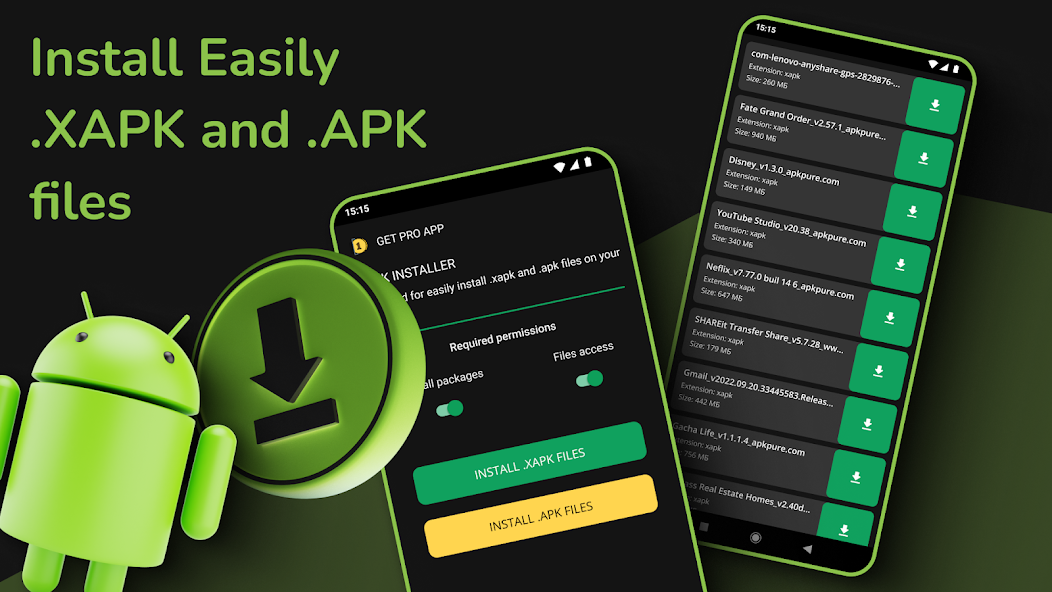
XAPK files are a specialized file format designed for Android applications. Unlike standard APK files, which only contain the executable part of an app, XAPK files bundle both the APK and additional assets necessary for the app's functionality. This can include graphics, sound files, or other resources that optimize the gaming experience.
The main advantage of using XAPK files is that they simplify the installation process for games that require additional data. For instance, a large game like a graphics-intensive RPG might have an APK file for the app itself and several additional files for textures and audio. Instead of downloading these components separately, a single XAPK file can streamline everything into one package, making it easier for gamers to install and enjoy new titles.
Why Use ES File Explorer?
When it comes to installing XAPK files, having a reliable file manager is crucial. ES File Explorer stands out as a top choice among Malaysian gamers for several reasons:
- User-Friendly Interface: ES File Explorer has a clean and intuitive interface, making it accessible for both novice and experienced users. Navigating through files and folders becomes a breeze, allowing gamers to locate their XAPK files quickly.
- File Management Features: This application boasts robust features for managing files and applications on your device. Users can easily move, copy, and delete files, making it convenient to organize gaming content.
- Support for XAPK Installation: ES File Explorer can handle the installation of XAPK files directly, eliminating the need for complicated extraction or installation processes. This feature is particularly beneficial for gamers who want to dive straight into their games without hassle.
- Cloud Integration: Gamers can also benefit from ES File Explorer's cloud service integrations, allowing for easy backup and access to their gaming apps across devices.

Installation Steps
Installing XAPK files using ES File Explorer is a straightforward process. Follow these detailed steps to get your games up and running:
- Download ES File Explorer: If you haven’t already, download ES File Explorer from a reliable source like the Google Play Store or the official website.
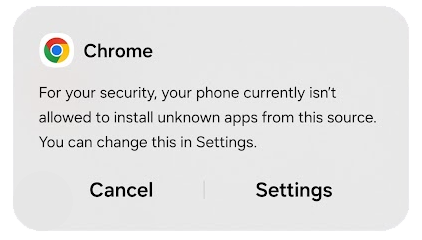
- Enable Unknown Sources: Before installing any XAPK files, ensure that your device allows installations from unknown sources. Go to Settings > Security > Unknown Sources and toggle it on.
- Locate the XAPK File: Use ES File Explorer to navigate to the folder where your XAPK file is saved. This could be in your Downloads folder or any specific directory you’ve chosen.
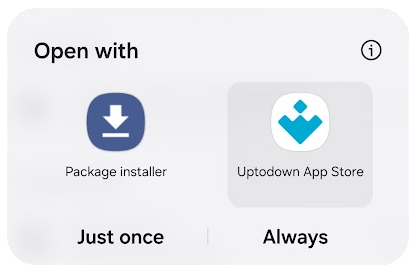
- Install the XAPK File: Tap the XAPK file. A prompt will appear asking how you want to proceed. Select the option to install it using ES File Explorer.
- Follow Installation Prompts: The app will automatically extract the necessary files and begin the installation process. Follow any on-screen instructions until the installation is complete.
- Launch the Game: Once installed, you can find the new game in your app drawer. Tap on it and enjoy your gaming experience!
Troubleshooting
Sometimes, issues may arise during the installation of XAPK files. Here are common problems and their solutions:
- Installation Failed: If the installation fails, check if the XAPK file is corrupted or not downloaded completely. Try re-downloading the file.
- App Not Showing: After installation, if the app does not appear, ensure that ES File Explorer has the necessary permissions to access your device storage.
- Compatibility Issues: Verify that the XAPK file is compatible with your device's Android version. Incompatibility may lead to installation failures.
- Storage Space: Make sure your device has enough free storage space. Insufficient space can prevent the installation of new apps.
FAQs
What is an XAPK file?
XAPK files are a format used for distributing Android applications that bundle both the APK file and additional resources into one package for easier installation.
Is ES File Explorer safe to use?
Yes, ES File Explorer is generally considered safe, but it's essential to download it from reputable sources to avoid any security risks. Always ensure your device's security settings are up to date.
In conclusion, installing XAPK files using ES File Explorer is a simple yet effective way for Malaysian gamers to access a wide range of applications. By following the outlined steps and troubleshooting tips, you can enhance your gaming experience without any hiccups. Happy gaming!