Understanding Game Lag
Every gamer has experienced it at some point: the dreaded game lag. This phenomenon occurs when there's a delay between your actions and the game's response, leading to frustrating interruptions in gameplay. In Malaysia, where mobile gaming is increasingly popular, lag can significantly impact your experience, particularly in competitive games that require precise timing and quick reflexes.
Common causes of lag in Android games include:
- Insufficient Hardware: Older devices may struggle to run newer games smoothly.
- Background Processes: Apps running in the background can consume valuable resources.
- Network Issues: Poor Wi-Fi or mobile data connections can lead to latency, especially in online games.
- High Graphics Settings: Running games at maximum settings can overload your device.
In Malaysia, where gaming culture is vibrant and competitive, reducing lag is essential for an enjoyable experience. Fortunately, Android devices come equipped with a feature called Developer Options that can help optimize performance.
Accessing Developer Options
Before diving into the specifics of lag fixes, you need to enable Developer Options on your Android device. Here’s how to do it:
- Open the Settings app on your device.
- Scroll down and tap on About Phone.
- Find the Build Number and tap it seven times. You should see a message indicating that you are now a developer.
- Go back to the main Settings menu, and you will find Developer Options listed.
Once enabled, you can explore various settings that could potentially fix game lag.
Recommended Settings
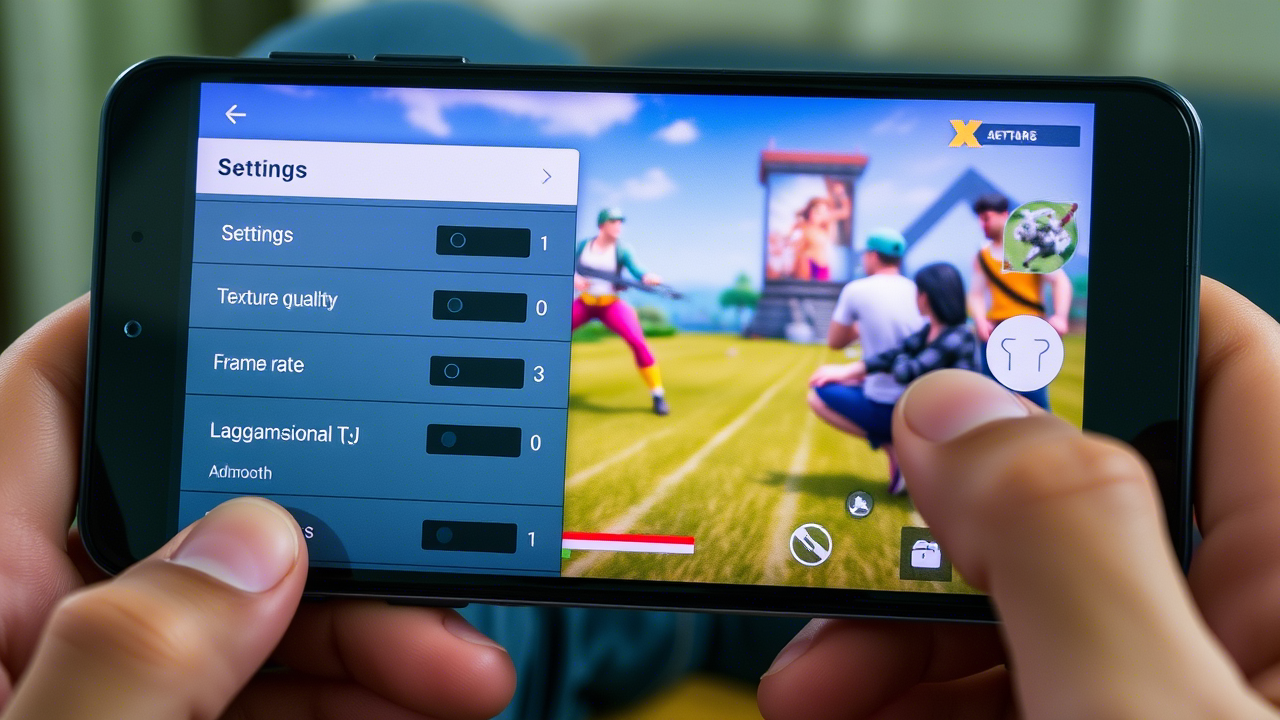
After accessing Developer Options, there are several settings you can modify to enhance gaming performance and reduce lag:
- Window Animation Scale: Set this to 0.5x or Animation off. It reduces the time animations take, speeding up the user interface.
- Transition Animation Scale: Similar to the window animation scale, set this to 0.5x or Animation off.
- Animator Duration Scale: Again, reduce this setting to 0.5x or turn it off to quicken the animation speed.
- Background Process Limit: Limit the number of background processes to 4 processes or fewer. This frees up RAM for your game.
These adjustments can significantly enhance your gaming experience by allowing your device to allocate more resources to the game you’re playing. You might notice smoother gameplay and a reduction in lag.
Other Performance Tips
While Developer Options can provide a solid fix for game lag, there are additional steps you can take to enhance performance:
- Clear Cache: Regularly clearing the cache of your games can help improve performance. Go to Settings > Apps > [Your Game] > Storage > Clear Cache.
- Close Background Apps: Before launching a game, close unnecessary apps running in the background. This can free up RAM and CPU resources.
- Update Your Games: Ensure your games are updated to the latest version for optimal performance and bug fixes.
- Manage Graphics Settings: If you’re still experiencing lag, consider lowering the graphics settings within the game itself.
Implementing these tips alongside the adjustments in Developer Options can lead to a more enjoyable gaming experience, especially for those in the Malaysian gaming community who love competitive and fast-paced games.
Conclusion
Fixing Android game lag using Developer Options is a highly effective strategy for gamers in Malaysia looking to enhance their mobile gaming experience. By understanding the causes of lag, accessing Developer Options, and adjusting the right settings, you can significantly boost your device's performance. Don’t forget to combine these steps with additional performance tips for the best results.
Experiment with different settings and find what works best for your device. With the right optimizations, you'll be well on your way to smoother gameplay and a more enjoyable gaming experience.