Introduction to Gaming PC Maintenance
For the Malaysian gaming community, a gaming PC is not just a machine; it's a gateway to immersive worlds and competitive play. However, to ensure that your rig performs at its best, regular maintenance is crucial. Just like you wouldn't ignore a car that needs servicing, neglecting your gaming PC can lead to performance degradation and hardware failures. In 2026, maintaining your gaming PC effectively can extend its lifespan, improve cooling efficiency, and enhance your overall gaming experience.
Cleaning Procedures
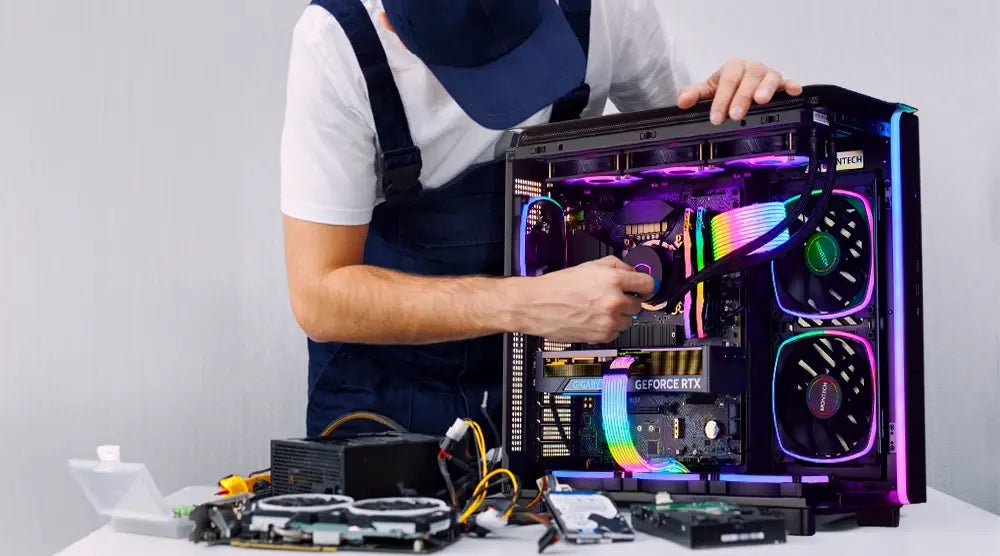
Dust accumulation is one of the primary culprits that hinder your gaming PC's performance. Regular cleaning is essential to maintain optimal airflow and prevent overheating. Here are some effective cleaning techniques tailored for Malaysian conditions.
Cleaning Frequency
In Malaysia, where humidity levels can be high and dust can accumulate quickly, it's advisable to clean your gaming PC every 3 to 6 months. If you live in a particularly dusty area or have pets, you may need to clean it more frequently. Regular checks can help you gauge the dust levels inside your case.
Effective Cleaning Techniques
To clean your gaming PC effectively, you'll need a few tools and methods:
- Microfiber Cloth: Ideal for wiping down surfaces without scratching them.
- Compressed Air Canister: Perfect for blowing dust out of fans, heatsinks, and other hard-to-reach areas.
- Soft Brush: Use a small brush to dislodge dust from components like graphics cards and motherboards.
When cleaning, always ensure your PC is powered off and unplugged. Open the case and carefully remove dust using compressed air from a distance to avoid damaging components. Focus on fans, filters, and heatsinks, as these are critical for maintaining cooling efficiency.
Software Maintenance
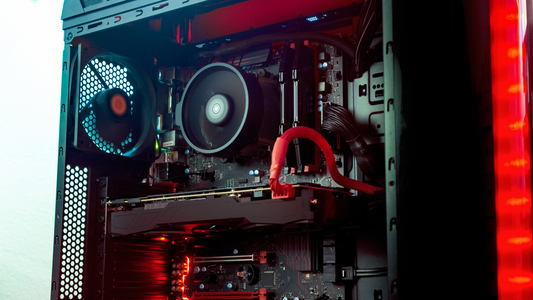
Beyond hardware upkeep, software maintenance is equally vital for ensuring your gaming PC runs smoothly. Outdated drivers or software can lead to performance issues that may affect your gaming experience significantly.
Recommended Software Tools
Here are some essential software tools for monitoring and maintenance:
- GPU-Z: Monitor your GPU's performance and temperature.
- HWMonitor: Check temperatures and voltages across all components.
- CCleaner: Clean junk files and optimize your system's performance.
- Windows Update: Ensure your operating system is up to date for optimal performance.
Regularly updating your drivers, especially for NVIDIA or AMD graphics cards, is crucial. These updates often include performance improvements and bug fixes that can enhance your gaming experience.
Troubleshooting Common Issues
Even with regular maintenance, you may encounter issues with your gaming PC. Knowing how to troubleshoot these problems can save you time and frustration.
Identifying Hardware Failures
Some common signs of hardware issues include:
- Random Crashes: Could indicate overheating or failing components.
- Frequent Blue Screens: Often a sign of driver conflicts or hardware malfunctions.
- Slow Performance: Can stem from overheating or insufficient system resources.
If you notice any of these symptoms, it’s essential to diagnose the problem. Start by checking temperatures using monitoring software. Clean out dust from components and ensure that all connections are secure. If problems persist, consider running hardware diagnostics to pinpoint the issue.
Performance Optimization
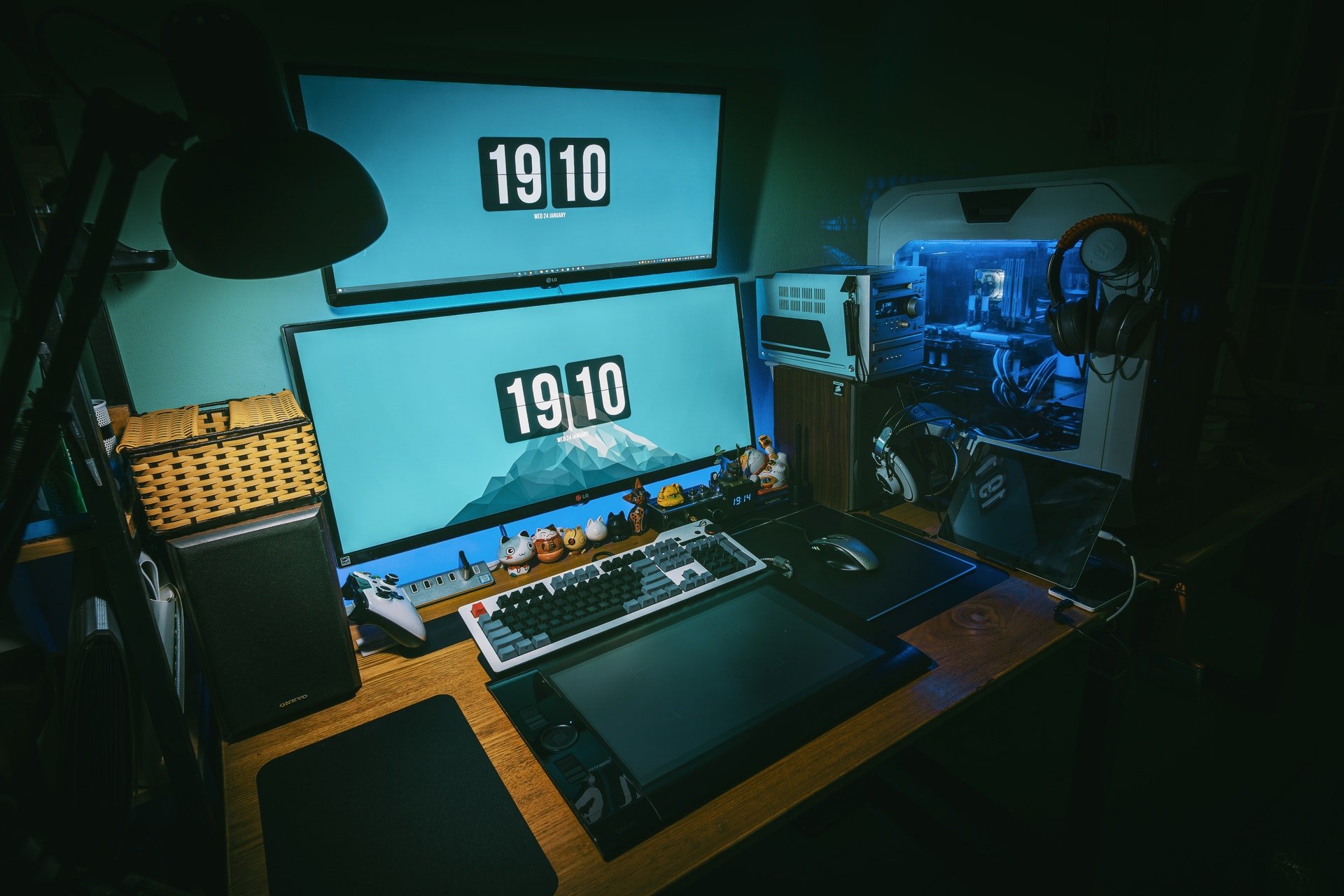
Optimizing your gaming PC's performance goes hand-in-hand with regular maintenance. Here are some tips to enhance your gaming experience:
Upgrading Components
As gaming technology evolves, you may find the need to upgrade specific components to keep up with the latest games. Here are some indicators that it might be time for an upgrade:
- Graphics Card: If you're lagging behind in terms of graphics quality or frame rates, consider upgrading to a newer model from NVIDIA or AMD.
- RAM: Increasing your RAM can improve multitasking and gaming performance, especially for demanding games.
- SSD vs. HDD: Switching from an HDD to an SSD can drastically speed up load times and overall system responsiveness.
Timing is key when it comes to upgrades. If you notice significant slowdowns or if your current setup struggles with newer titles, evaluate your options and consider investing in the necessary hardware.
FAQs
What are the best ways to maintain a gaming PC?
The best ways to maintain a gaming PC include regular cleaning to remove dust, keeping software and drivers updated, and monitoring system temperatures. Consider using software tools for performance monitoring and addressing any hardware issues promptly.
How often should I clean my gaming PC?
In Malaysia, it's recommended to clean your gaming PC every 3 to 6 months. Factors like dust levels and humidity can affect this frequency, so adjust accordingly based on your environment.
By following these maintenance tips, you can ensure that your gaming PC remains in peak condition, allowing you to enjoy the latest games without interruptions. Take the time to care for your hardware, and you'll reap the rewards in performance and longevity.