Introduction
For gamers, frames per second (FPS) is more than just a technical term; it’s a crucial factor that directly impacts the gaming experience. A higher FPS means smoother gameplay, reduced lag, and a more immersive experience, which is especially vital for competitive gaming. In Malaysia, where mobile gaming is rapidly gaining popularity, understanding how to maintain FPS consistency in Android games can elevate your gaming sessions to a whole new level.

Understanding FPS
FPS, or frames per second, refers to the number of individual frames or images that your device can render in one second. In gaming, a higher FPS translates to smoother animations and reactions, while lower FPS can lead to choppy visuals and lag, which can negatively affect your performance and enjoyment.
Mobile gamers in Malaysia often face common FPS issues such as sudden drops in FPS during intense gameplay or when graphics settings are high. These issues can lead to frustrating moments, especially when competing online. Understanding the factors affecting FPS can help you take steps to mitigate these issues.
Tips for Maintaining FPS Consistency
Maintaining FPS consistency requires a combination of optimizing your game settings, managing background processes, and ensuring your device is performing at its best. Here are some advanced strategies tailored for the Malaysian gaming community:
- Adjust Graphics Settings: Lowering your game's graphics settings can significantly improve FPS. Consider reducing texture quality, shadows, and anti-aliasing settings. Each game typically allows you to customize these settings, so experiment to find the perfect balance between visual fidelity and performance.
- Close Background Apps: Before launching a game, close any unnecessary applications running in the background. These apps consume valuable resources that could otherwise enhance your gaming performance.
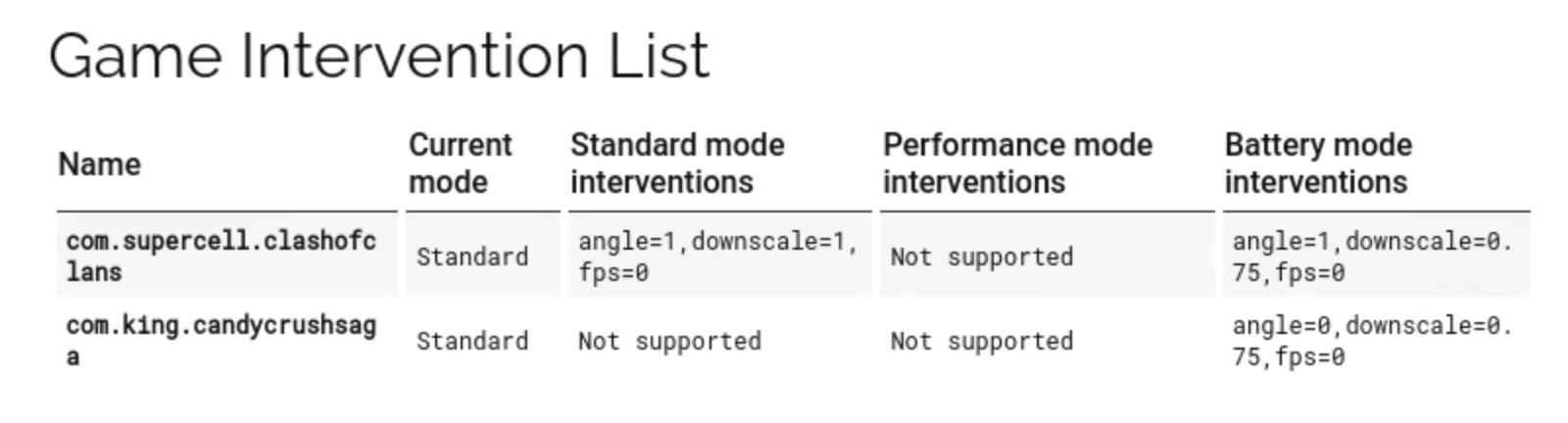
- Enable Game Mode: Many Android devices come with a built-in Game Mode or Game Booster. This feature optimizes system resources for gaming, ensuring that your game runs smoothly with minimal interruptions.
- Regularly Clear Cache: Over time, cached data can accumulate and impact your device's performance. Regularly clearing the cache for both your system and individual apps can help maintain optimal performance.
- Monitor Device Temperature: Excess heat can throttle your device's performance. Ensure your device is well-ventilated and avoid gaming in excessively hot environments. Consider using cooling pads or fans if necessary.
Tools and Apps
To further enhance your gaming experience, consider using various tools and apps designed to measure and improve FPS on Android devices. Here are some recommended options:
- Game Booster Apps: Apps like Game Booster and Game Guardian help optimize your device's performance by prioritizing gaming resources and closing background applications automatically.
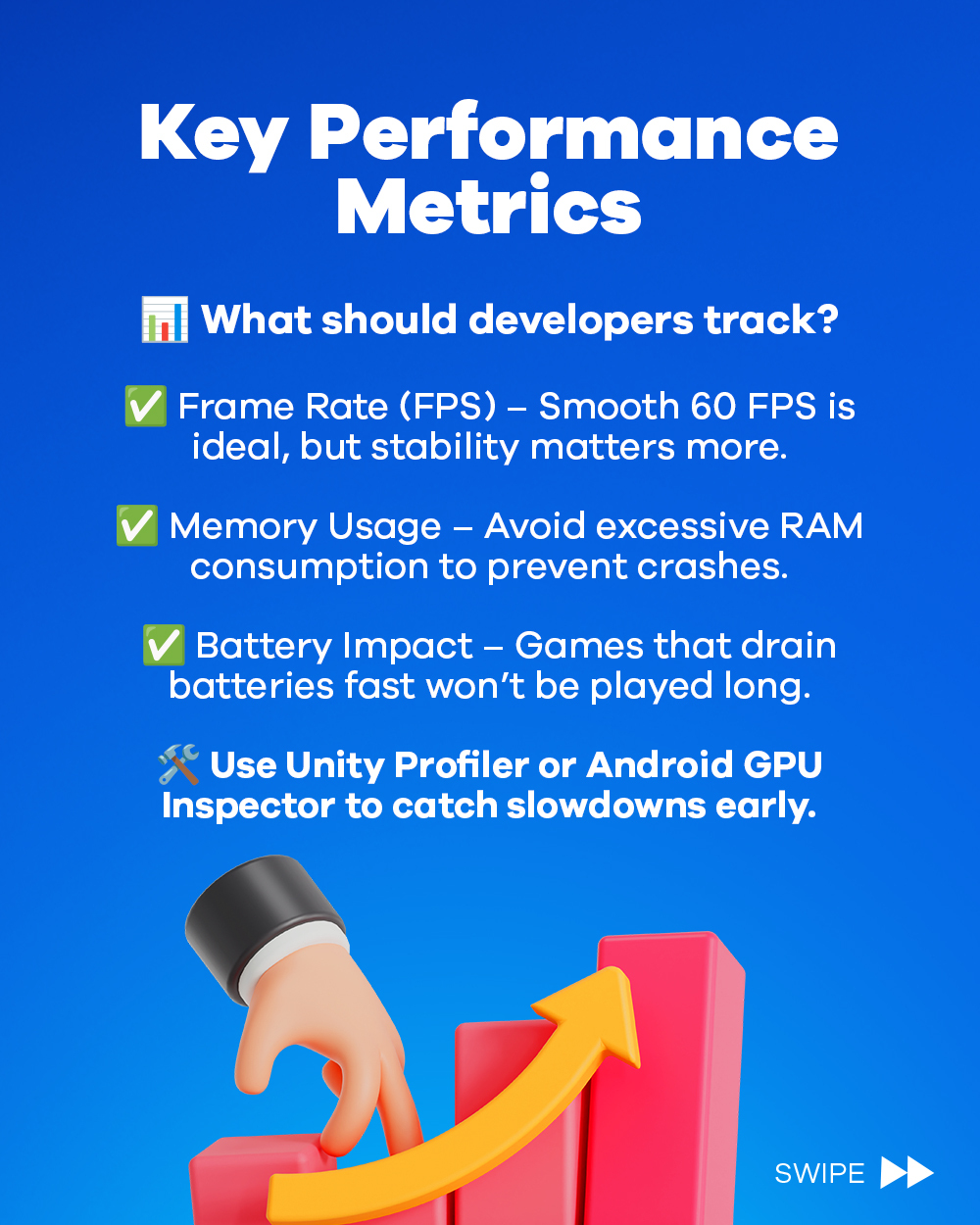
- FPS Monitoring Tools: Tools like GameBench and FPS Meter provide real-time FPS readings, allowing you to monitor performance while playing. These apps can also help you identify which settings lead to the best FPS.
- Performance Management Apps: CCleaner and SD Maid are great for cleaning up your device and managing storage, which can indirectly improve gaming performance.
Conclusion
Maintaining FPS consistency in Android games is crucial for a seamless gaming experience. By adjusting your graphics settings, managing background activity, and utilizing dedicated tools for optimization, you can significantly enhance your gaming performance. Embracing these advanced strategies will not only improve your gameplay but also provide a competitive edge in Malaysia's vibrant gaming community.
FAQ
What causes FPS drops in Android games?
FPS drops can occur due to various reasons, including high graphics settings, background applications consuming system resources, device overheating, or insufficient hardware capabilities. Regular maintenance and optimization can help mitigate these issues.
How can I improve my game's FPS?
Improving your game's FPS can be achieved by lowering graphics settings, closing background apps, using game booster apps, and ensuring your device operates under optimal conditions. Monitoring tools can also provide insights into performance bottlenecks.