Introduction
For gamers in Malaysia, the smoothness of gameplay can make or break the gaming experience. One of the most critical factors contributing to this smoothness is the Frames Per Second (FPS). A higher FPS means smoother animations and more responsive controls, while low FPS can lead to frustrating lag and a lack of immersion in the game. In 2026, as mobile gaming continues to expand in popularity across the region, understanding how to fix low FPS in Android games has become essential for players looking to enhance their gaming performance.
Low FPS can lead to choppy visuals, delayed reactions, and a diminished overall gaming experience. This article provides actionable insights into improving FPS, specifically tailored for the Malaysian gaming community, to ensure that every gaming session is as enjoyable as possible.
Common Causes of Low FPS
Before jumping into solutions, it's essential to understand what typically causes low FPS in Android games. Here are some common factors that can lead to performance issues:
- Device Specifications: The hardware capabilities of your device play a significant role. Budget devices may struggle with high-end games, leading to lower FPS.
- Resource Usage: Background applications consuming system resources can significantly affect game performance. If multiple apps are running simultaneously, your game may not have enough resources to perform optimally.
- Graphics Settings: Many games have adjustable graphics settings. If set too high for your device's capabilities, it can lead to lag and reduced FPS.
- Software Updates: Outdated software can hinder performance. Regular updates not only improve security but also optimize device performance for gaming.
- Thermal Throttling: Overheating can cause your device to throttle performance to cool down, which directly impacts FPS.
Effective Solutions
Now that we understand the common causes of low FPS, let’s explore effective solutions to enhance your gaming experience:
- Adjust Graphics Settings: Lowering graphics settings can significantly improve FPS. Go into your game's settings menu and reduce the resolution, texture quality, and effects. This can lead to a smoother experience without sacrificing too much visual quality.
- Close Background Apps: Before launching a game, close any unnecessary applications running in the background. This frees up valuable resources and can enhance performance.
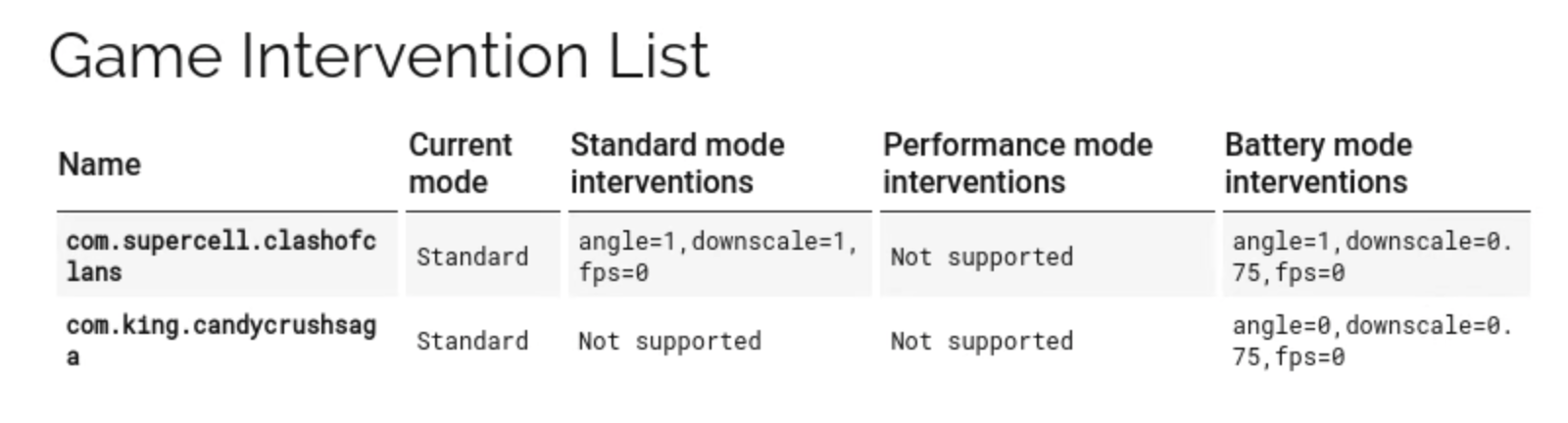
- Enable Game Mode: Many Android devices come with a built-in Game Mode. This feature optimizes your phone's performance by prioritizing resources for gaming, reducing notifications, and limiting background processes.
- Check for Software Updates: Regularly check for system updates. These updates often come with performance improvements that can boost your gaming experience.
- Clear Cache: Over time, application caches can build up and slow down your device. Clearing the cache can help improve overall performance.
- Keep Your Device Cool: Avoid playing games in hot environments. If your device starts overheating, take a break to allow it to cool down, preventing thermal throttling.
Recommended Apps
In addition to the above solutions, several applications can help optimize your Android device for gaming performance:
- Game Booster: This app improves FPS by optimizing system resources specifically for gaming. It can also help with managing background applications.
- Clean Master: While not exclusively for gaming, this app can help clear cache and unused files, improving overall device performance.
- Game Guardian: This app allows users to tweak game settings and parameters, potentially leading to improved FPS depending on the game.
- GFX Tool: For games like PUBG Mobile and Call of Duty Mobile, GFX Tool lets players adjust resolution and graphics settings beyond what the game offers natively, enhancing performance.
Conclusion
Having a smooth gaming experience on Android in Malaysia is achievable by understanding the causes of low FPS and implementing effective solutions. By adjusting graphics settings, optimizing your device, and utilizing performance-enhancing applications, you can significantly improve your gaming performance. Whether you’re a casual gamer or a competitive player, taking these steps can lead to a more enjoyable and immersive gaming experience in 2026.
FAQ
- What causes low FPS in Android games?
Low FPS in Android games can be caused by various factors including device specifications, resource usage from background apps, high graphics settings, outdated software, and thermal throttling. - How can I increase FPS on my phone?
You can increase FPS on your phone by lowering graphics settings, closing background apps, enabling Game Mode, checking for software updates, clearing your device's cache, and ensuring your device stays cool during gaming sessions.