Understanding Game Lag
Game lag is one of the most frustrating issues faced by gamers in Malaysia. It refers to the delay between a player's input and the game's response, which can lead to a frustrating gaming experience. Whether you’re battling it out in a competitive multiplayer match or exploring vast open worlds, lag can ruin the immersion and competitiveness of any game. Imagine firing your weapon in an online shooter, only to find your character responding seconds later. Such latency can significantly impact your performance and enjoyment.
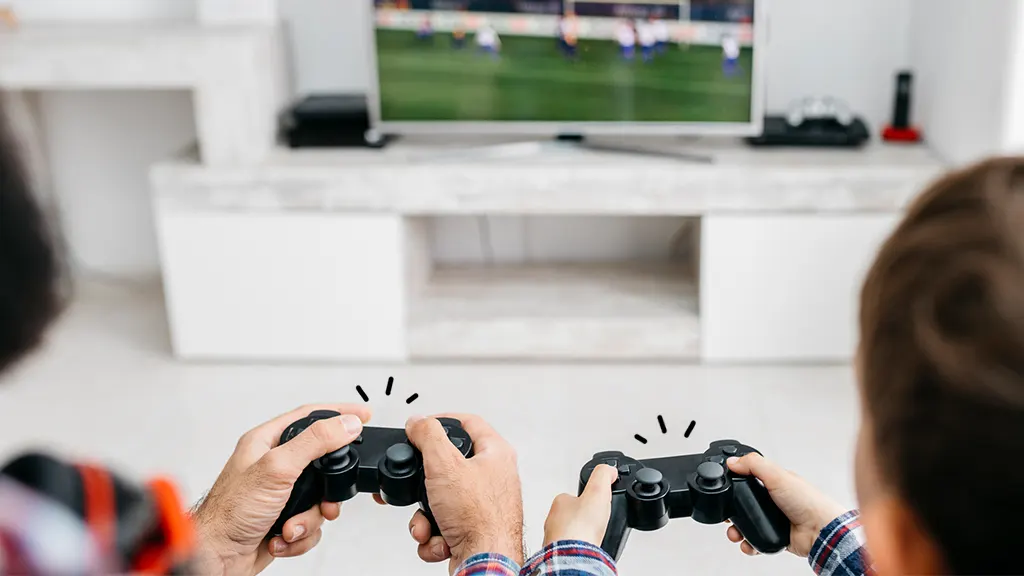
In Malaysia, where the gaming community is rapidly growing, understanding the nuances of game lag is essential. Factors like internet speed, server location, and hardware specifications can all contribute to the overall latency experienced during gameplay. Addressing these issues can help ensure a smoother and more enjoyable gaming experience.
Common Causes of Lag
Lag can stem from various sources, making it crucial for gamers to identify the root cause of their issues. Understanding these common causes can aid in implementing effective solutions. Here are some prevalent factors contributing to game lag:
- Network Settings: Your router's configuration can significantly impact your gaming performance. High latency can occur due to poor Quality of Service (QoS) settings, which prioritize certain types of data over others. Misconfigured firewalls can also block necessary ports, causing interruptions.
- Hardware Limitations: The specifications of your gaming device play a critical role in performance. Low-end graphics cards, insufficient RAM, or outdated CPUs may struggle to run modern games smoothly, leading to lag.
- Game Settings: Sometimes, the game settings themselves can be the culprit. Running games at ultra-high settings on a system that can't handle it can lead to frame drops and lag spikes.
Addressing these underlying issues can significantly improve your gaming experience, allowing for smoother gameplay and reduced frustration.
Solutions to Fix Lag
Once you've identified the potential causes of lag, implementing effective solutions can help alleviate these issues. Here are five actionable strategies to consider:
- Adjust Network Settings: Start by ensuring your router's firmware is up to date. Enabling QoS settings can help prioritize gaming traffic over other activities on your network. Additionally, consider opening specific ports required by your games to improve connectivity.
- Upgrade Your Hardware: If you're using older hardware, investing in an upgrade can provide a significant performance boost. Look for a faster CPU, additional RAM, or a more powerful graphics card to enhance your gaming experience.
- Optimize Game Settings: Lowering graphical settings can drastically improve performance. Try reducing textures, shadows, and anti-aliasing to see if it helps reduce lag during gameplay.
- Use a Wired Connection: Switching from a wireless connection to a wired Ethernet connection can significantly reduce lag. Wired connections typically offer better stability and lower latency, making them ideal for competitive gaming.
- Monitor Internet Speed: Regularly check your internet speed to ensure you’re getting the bandwidth you pay for. Tools like Speedtest can help you keep track of your connection quality. If your speed is consistently low, consider upgrading your internet plan.
By taking the time to implement these solutions, you can create a more stable and enjoyable gaming environment.
Tips for Optimal Gaming Experience
Beyond addressing lag, there are additional strategies to maintain optimal gaming performance. Here are some tips to keep your gaming experience smooth:
- Limit Background Applications: Close unnecessary software running in the background. Applications that consume bandwidth, such as streaming services or downloads, can increase latency.
- Choose the Right Server: If your game allows you to select a server, choose one that is geographically closer to you. This can help reduce lag caused by long distances between your device and the game server.
- Regularly Restart Your Router: Restarting your router can refresh your connection and often resolves various connectivity issues. It’s a simple yet effective step that many overlook.
- Keep Your Device Clean: Ensure that your gaming device is free from dust and debris. Overheating can lead to throttling, which in turn affects performance. Regular maintenance can help keep your hardware running optimally.
- Engage with the Community: Join local gaming forums or communities to share experiences and tips. Engaging with fellow gamers can provide insights into specific issues and solutions that are relevant to the Malaysian gaming scene.
By following these tips, you can ensure that your gaming sessions are as enjoyable as possible, free from frustrating interruptions.
FAQ
What causes lag in online games?
Lag in online games can be caused by several factors, including poor network settings, inadequate hardware, high latency due to long distances from game servers, and improper game settings. Identifying these issues is crucial for finding effective solutions.
Is wired connection better than wireless for gaming?
Yes, a wired connection is generally better for gaming than a wireless connection. Wired connections typically provide lower latency and more stable performance, reducing the likelihood of lag during gameplay.
In conclusion, addressing game lag is essential for any serious gamer in Malaysia. By understanding the causes and implementing the right solutions, you can significantly enhance your gaming experience. The gaming community is vibrant and growing, and with the right tools and knowledge, you can ensure that your time spent gaming is nothing short of exceptional.